The Qwen family has just added another interesting tool for AI image creators.
On September 20, 2026, the Qwen team released Qwen-Image-2.1, an open-source image generation and editing model designed to combine creation and editing in a single system.
What makes this release particularly interesting is not simply image quality.
Qwen-Image-2.1 focuses on doing more while keeping the visual generation component relatively compact at 7 billion parameters. It also adds native transparent-image generation and editing, support for multiple reference images, and more precise local editing.
For creators who work with local AI, this combination could make Qwen-Image-2.1 worth watching.
One Model for Generation and Editing
Many AI image workflows involve switching between different models.
One model generates the image.
Another edits it.
Another might remove the background.
Qwen-Image-2.1 attempts to bring several of these tasks together.
The model can generate images from text prompts and also edit existing images. This makes it possible to move from an initial idea to a finished composition without necessarily changing models for every step.
That could make workflows considerably simpler.
Imagine creating a portrait, changing the clothing, adjusting the background, replacing an object and then extracting the subject as a transparent layer.
Instead of treating these as completely separate operations, Qwen-Image-2.1 can handle them within the same creative workflow.
Native Transparent Images
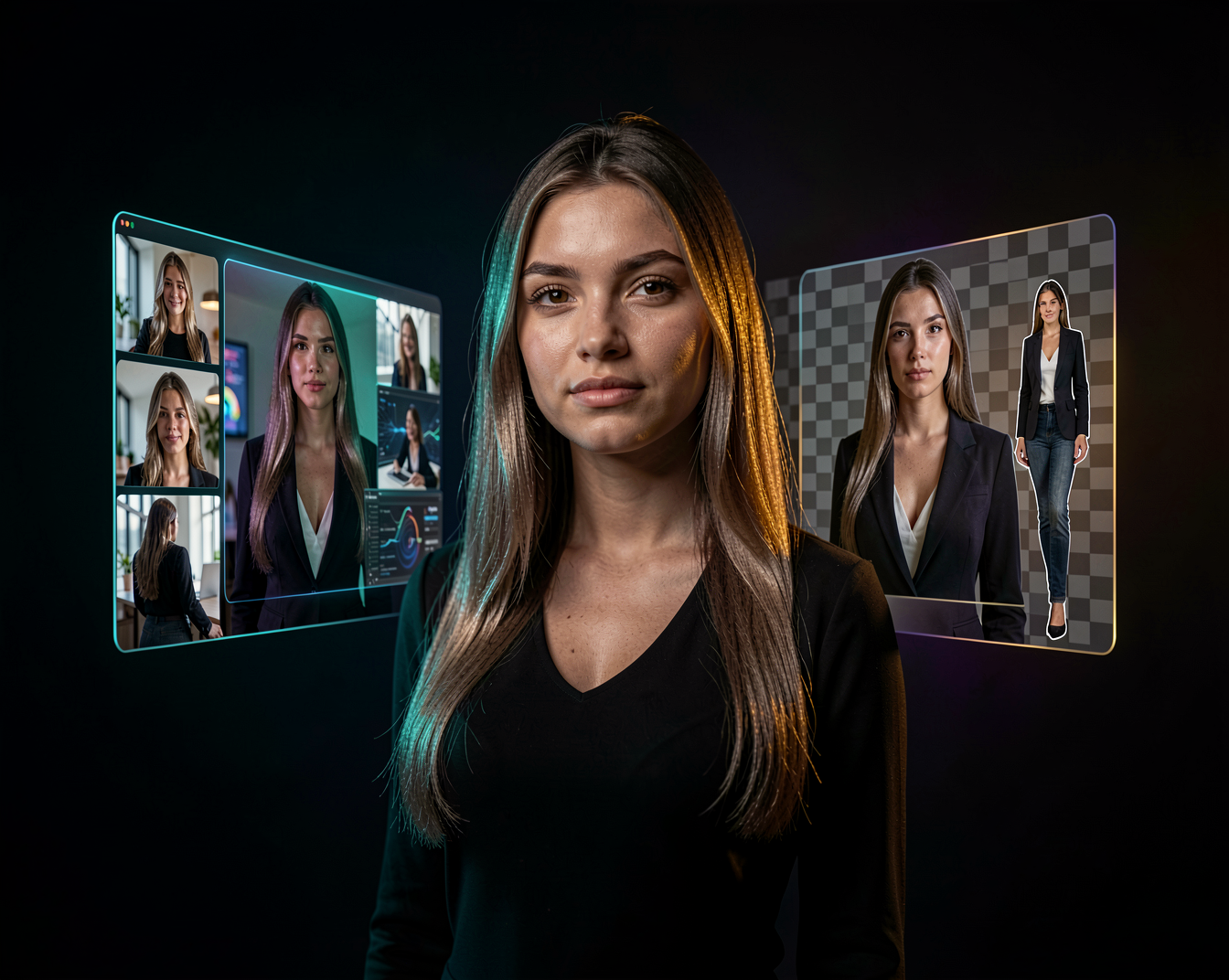
One of the more interesting additions is native transparency.
Qwen-Image-2.1 can generate images with transparency directly instead of requiring a separate background-removal step.
This is particularly useful for creators working with:
- logos and graphic assets
- product images
- character cutouts
- stickers
- website elements
- game assets
- compositing
- social media graphics
The model can also edit transparent images while maintaining the transparent background.
It can even extract a subject from a normal photograph and turn it into an RGBA layer with transparency.
That makes the model interesting not only for AI art, but also for practical design work.
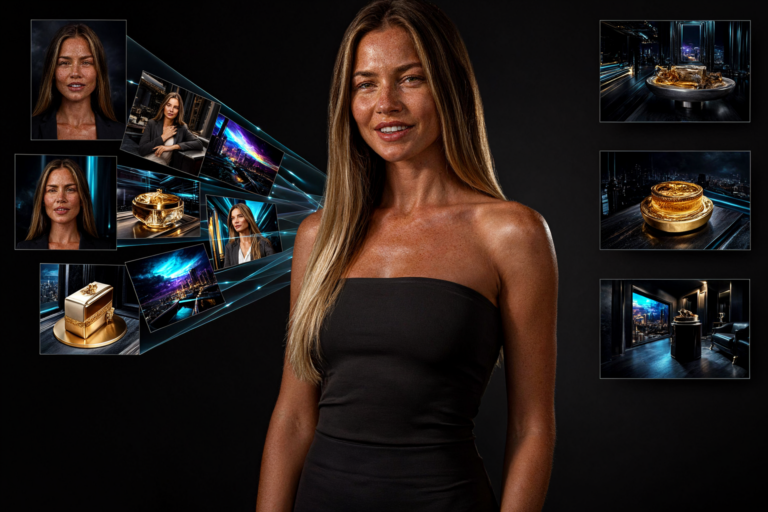
Up to 10 Reference Images
Another major feature is support for up to 10 reference images.
This opens up much more complicated creative workflows.
For example, you could provide separate images of:
- a person
- clothing
- shoes
- a bag
- a hat
and ask the model to combine them into a single coherent image.
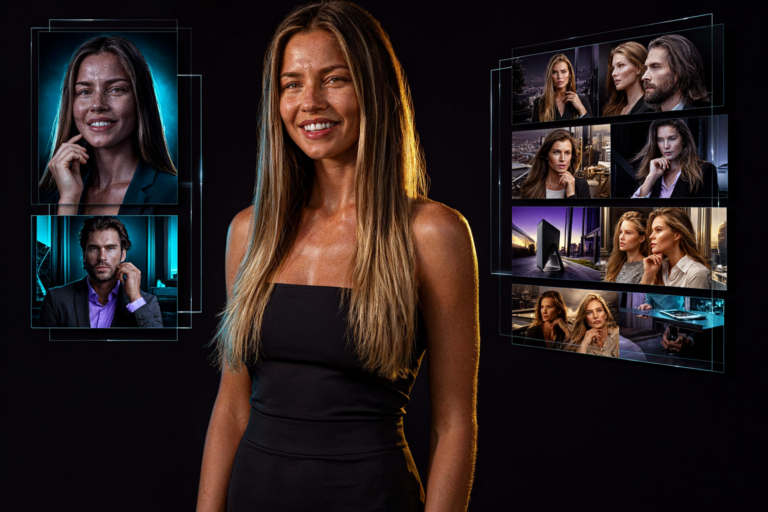
The Qwen team also demonstrates workflows involving multiple people, interior design and collections of objects.
For creators, this means the prompt doesn’t have to carry all the visual information.
The images themselves can provide much of the context.
More Precise Local Editing
Qwen-Image-2.1 also improves localized editing.
Instead of asking the model to completely recreate an image, you can indicate which part should change.
The model supports several approaches, including circles, painted annotations and separate masks.
For example:
Change the woman’s hair to dark blonde.
while leaving the rest of the image untouched.
Or:
Remove the watch and replace it with a bracelet.
This kind of localized control can be extremely useful when an image is already almost perfect.
You don’t want to regenerate everything.
You just want to fix one thing.
Better Preservation of People and Products
Consistency is one of the biggest challenges in AI image editing.
Change the clothes and suddenly the face changes.
Change the background and the product shape becomes slightly different.
Qwen-Image-2.1 specifically focuses on improving this problem.
The Qwen team highlights improvements in preserving facial identity, product shape, textures and text during editing.
For creators working with recurring characters, this could be particularly useful.
Instead of generating every image from scratch, you can take an existing image and progressively modify it.
That is a very different workflow from traditional text-to-image generation.
Better Text Inside Images
Text generation has also received attention in this release.
Qwen-Image-2.1 improves the handling of typography, including text content, style and layout within an image.
This matters because text has historically been one of the weaker areas of image-generation models.
It becomes especially important when generating:
- posters
- advertisements
- infographics
- menus
- social media graphics
- product packaging
- storyboards
Instead of treating generated text as a bonus feature, Qwen is increasingly treating it as part of the actual design process.
From Images to Storyboards
Qwen-Image-2.1 isn’t limited to traditional single-image generation.
The model can also be used for visual storytelling.
The Qwen team demonstrates workflows involving panoramas, infographics and storyboards. A character reference can be used as the starting point for generating a sequence of scenes.
This is particularly interesting when combined with AI video generation.
A possible workflow could look like this:
Character → Storyboard → Individual Scenes → Image-to-Video → Final Video
Suddenly an image-generation model becomes part of a much larger production pipeline.
A Compact 7B Visual Generation Component
One of the most interesting technical aspects of Qwen-Image-2.1 is its size.
The visual generation component contains 7 billion parameters and uses a lightweight architecture with 32 Single-Stream DiT layers.
For local AI users, model size matters.
Smaller models can potentially mean lower memory requirements, faster inference and more accessible experimentation.
However, parameter count alone doesn’t tell you exactly how much VRAM a model needs.
Actual requirements depend on factors such as:
- precision
- resolution
- batch size
- number of reference images
- editing workflow
- quantization
- implementation
- hardware
So the real question for local creators will be how efficiently Qwen-Image-2.1 performs in practical workflows.
And that is something the community will undoubtedly test.
What Does This Mean for ComfyUI Users?
Qwen has become increasingly interesting for the ComfyUI community, particularly because of the number of different creative tasks its models can handle.
Qwen-Image-2.1 fits naturally into this type of workflow.
A creator could potentially build a pipeline such as:
Reference Images → Qwen-Image-2.1 → Local Editing → Transparent Output → Upscaling → Final Asset
Or combine image generation with other models:
Character Creation → Qwen Editing → Image-to-Video → Video Editing
This modular approach is one of the biggest advantages of local AI.
You don’t have to use one model for everything.
You can combine models according to what you are trying to create.
Why This Release Matters
At first glance, Qwen-Image-2.1 might look like another image-generation update.
But there is a bigger idea behind it.
The direction is increasingly moving from:
“Generate an image.”
toward:
“Create, edit and build an entire visual asset.”
That distinction is important.
Creators don’t always need a completely new image.
Often they already have something good.
They just need to change one part.
Maybe the clothing is wrong.
Maybe the background needs replacing.
Maybe an object needs removing.
Maybe the person needs to be placed into another scene.
Maybe the final image needs a transparent background.
The ability to perform all of these operations within one model could make AI image workflows considerably more practical.
Qwen-Image-2.1 and the Future of AI Creation
Qwen-Image-2.1 is another sign that AI image generation is becoming less about producing a single impressive picture and more about giving creators control.
Generation, editing, reference images, transparency, typography and visual storytelling are increasingly becoming parts of the same workflow.
And that is perhaps the most interesting part of this release.
The future of AI image generation may not simply be about creating better images.
It may be about making those images easier to manipulate.
For local AI creators, that could be just as important as raw image quality.
Final Thoughts
Qwen-Image-2.1 is an interesting release for both AI artists and practical creators.
Its combination of a compact 7B visual generation component, image generation, image editing, transparent output, multiple reference images and improved consistency makes it more than just another text-to-image model.
Whether it becomes a major part of the local AI ecosystem will ultimately depend on real-world testing.
But the direction is promising.
And if Qwen continues pushing toward models that can create, understand and edit visual content in one workflow, the Qwen family is definitely one to keep watching.
**The next generation of AI image tools may not just generate what you imagine.
They may let you keep working with it until it becomes exactly what you wanted.**