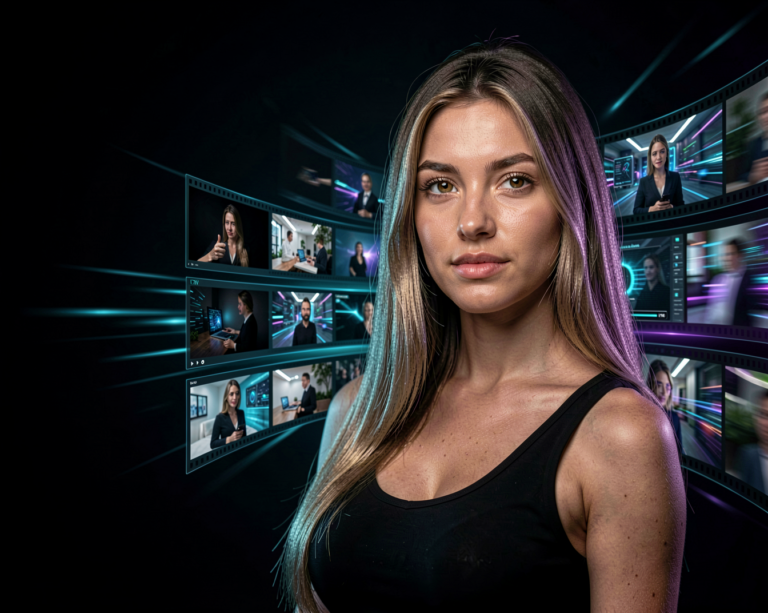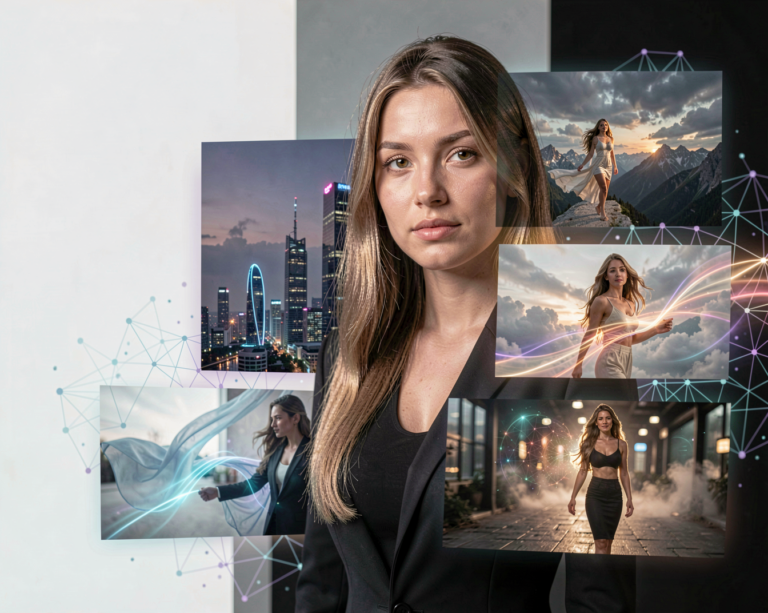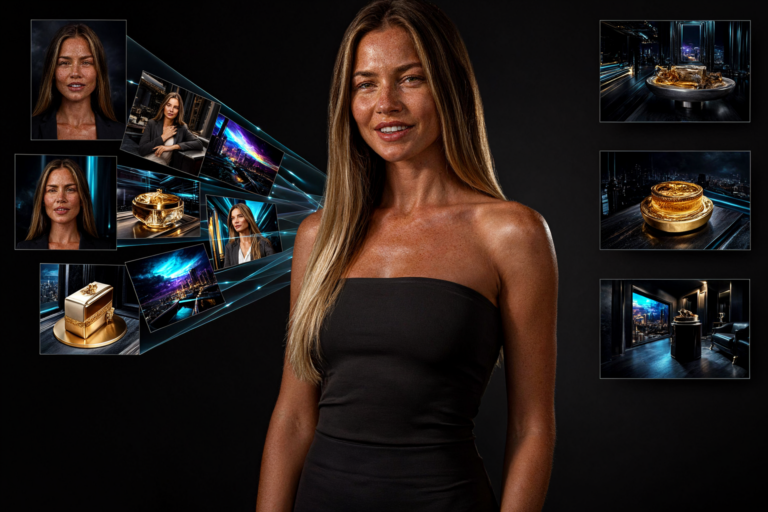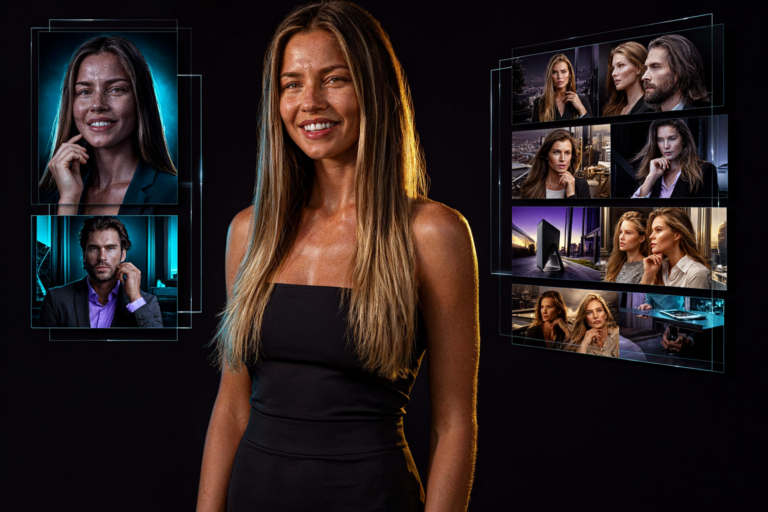
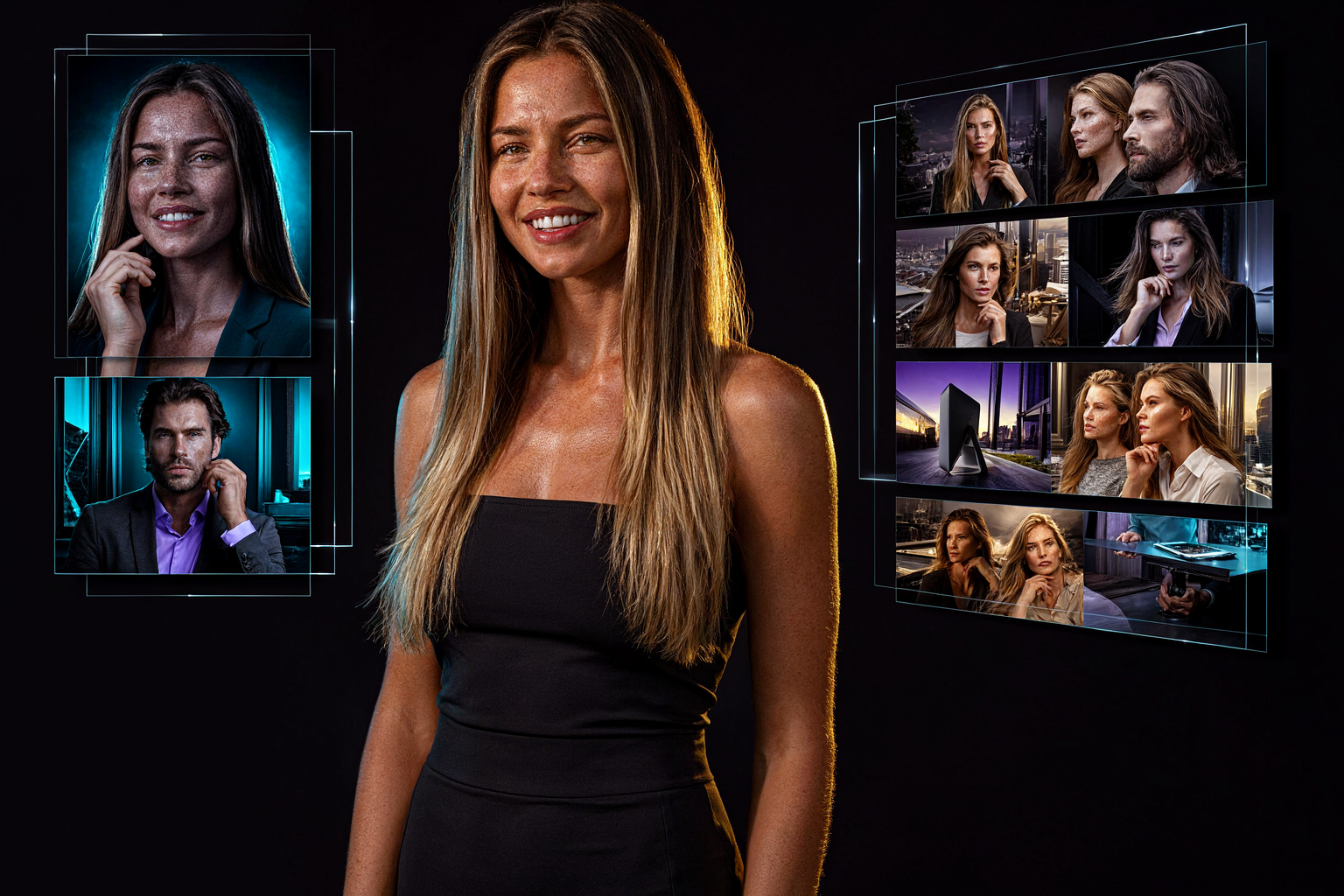
AI image generation has become remarkably good at creating impressive pictures. But there is still a difference between generating something that looks good and generating exactly what you intended.
What if you want to change a person’s clothing without changing their face? What if the lighting is almost perfect, but the camera angle needs to be different? Or what if you want to combine several reference images into one carefully composed scene?
These are the kinds of challenges that Fibo, an AI image model family developed by Bria, is designed to address.
Fibo focuses on image generation, controllability and precise editing. Its approach combines visual generation with structured descriptions that make it easier to specify the details of a scene.
What Is Fibo?
Fibo is an AI image-generation model family developed by Bria.
It is designed for both generating images from text and editing existing visual content. Rather than relying entirely on a short natural-language prompt, Fibo uses a structured representation of visual information to describe what an image should contain.
This approach is particularly relevant for professional creative workflows, where details such as composition, lighting, camera position and object placement can matter as much as the overall subject.
The Fibo family has evolved over time. Fibo 2.0 is a major step in that development, bringing image generation and editing together in a unified model.
What Makes Fibo Different?
Many image models are excellent at interpreting broad creative instructions.
For example:
A cinematic portrait of a woman in a city at night, realistic photography, dramatic lighting.
This describes the general idea, but it leaves many decisions to the model.
Fibo’s approach aims to make more of those decisions explicit.
You can describe the subject, lighting, composition, camera characteristics, colors and other visual properties in a structured format. That makes it easier to specify individual attributes rather than relying on a single paragraph to communicate everything.
This is useful when you need repeatable results or want to change one part of a composition without unintentionally changing everything else.
What Is Visual GenAI Language?
One of the central ideas behind Fibo is Visual GenAI Language, usually abbreviated to VGL.
VGL is a structured way of describing visual scenes using information that both people and software can interpret.
Instead of treating a scene as one long description, its properties can be represented as separate fields.
For example, a scene description might specify:
- Subject and appearance
- Camera angle and framing
- Lighting direction and intensity
- Color palette
- Environment and background
- Composition and object placement
- Visual style
This structured representation helps make the creative instructions more explicit.
It can also make editing more systematic. If the camera angle needs to change, the relevant property can be adjusted without rewriting the entire description.
Fibo 2.0 builds on this approach for both image generation and image editing.
What Can You Create With Fibo?
Fibo can be used for a wide range of image-generation and editing tasks.
Photorealistic Images
Fibo can generate photographs, portraits, product imagery and cinematic scenes from text prompts.
This makes it interesting for digital artists, designers, marketers and creators who want to explore realistic visual concepts.
Image Editing
Instead of regenerating an entire image, you can provide an existing image and describe what should change.
For example:
Change the woman’s jacket to dark red leather. Preserve her face, pose, the background and the original lighting.
The aim is to make the requested change while preserving the other parts of the image.
Actual results depend on the model version, prompt and editing workflow.
Multi-Reference Composition
Fibo 2.0 can use multiple reference images in a single editing request.
You might provide a product image, a background reference and a logo, then ask the model to combine them into a promotional composition.
This can be useful for product photography, fashion concepts, advertisements and visual storytelling.
Images Containing Text
Text rendering is another area where Fibo 2.0 aims to improve results.
This matters for posters, packaging, promotional images and other designs where words are part of the image rather than added afterwards.
Generated typography still needs checking, especially when exact wording is essential.
Why Editing Matters
Image generation is only one part of the creative process.
Often, the first result is already close to what you want. You may like the composition and lighting but need to change a small detail.
Traditional workflows might require masking, compositing or several separate editing operations.
Instruction-based AI editing offers another option: describe the change and let the model attempt to apply it.
For example, you could change a product’s color, replace a background or adjust an outfit while asking the model to preserve the remaining composition.
The more reliably a model can make targeted changes, the more useful it becomes for iterative creative work.
Fibo and Local AI
Fibo 2.0 is available as open weights for non-commercial use under Bria’s applicable licence, with commercial use requiring separate permission or licensing.
Local inference is possible through supported software such as Hugging Face Diffusers, and Bria provides model resources for developers.
The model family is also associated with ComfyUI workflows and integration options, making it relevant to creators who prefer node-based image-generation pipelines.
However, local deployment requires more than downloading the main model file. You need compatible model components, supported software and sufficient GPU memory.
Always check the instructions for the exact version you intend to use.
Is Fibo Suitable for Your Workflow?
Fibo is particularly interesting if your work involves more than creating a new image from scratch.
It may be worth exploring if you regularly need to:
- Make precise changes to existing images
- Preserve a composition while changing a detail
- Combine multiple visual references
- Generate repeatable visual assets
- Create product imagery or marketing graphics
- Experiment with structured prompts
- Build custom image-generation workflows
If your only goal is to generate artistic images from simple prompts, other image models may also suit your needs.
The important difference is Fibo’s emphasis on controllability and editing.
Limitations to Consider
Fibo is not guaranteed to preserve every detail perfectly.
Faces, small objects, text and complex compositions can still change unexpectedly. Multiple reference images can also introduce inconsistencies.
Structured prompts can improve control, but they do not eliminate the limitations of generative models.
Local use also depends on hardware, software compatibility and the model’s licence.
For professional work, always inspect the output and verify important details before using the image.
Final Thoughts
Fibo represents an interesting direction for AI image generation: moving beyond the creation of impressive pictures toward more controlled and repeatable visual workflows.
Its use of structured scene descriptions, combined with generation and editing capabilities in Fibo 2.0, makes it relevant for creators who want greater control over the final result.
For AI artists, designers and local AI enthusiasts, Fibo is a model family worth exploring.
The goal is not just to generate an image. It is to make it easier to create the image you actually intended.
Explore Fibo
For the latest features, available checkpoints and release-specific improvements, see the AI News section of Aiden Illusion.
Official resources: