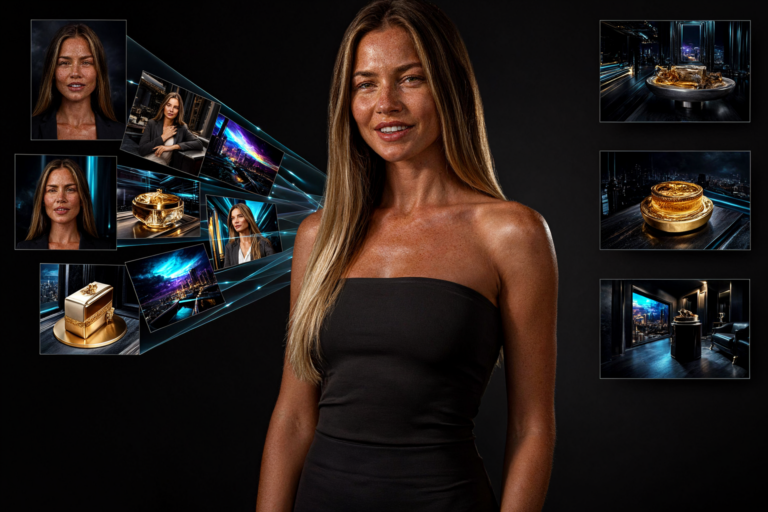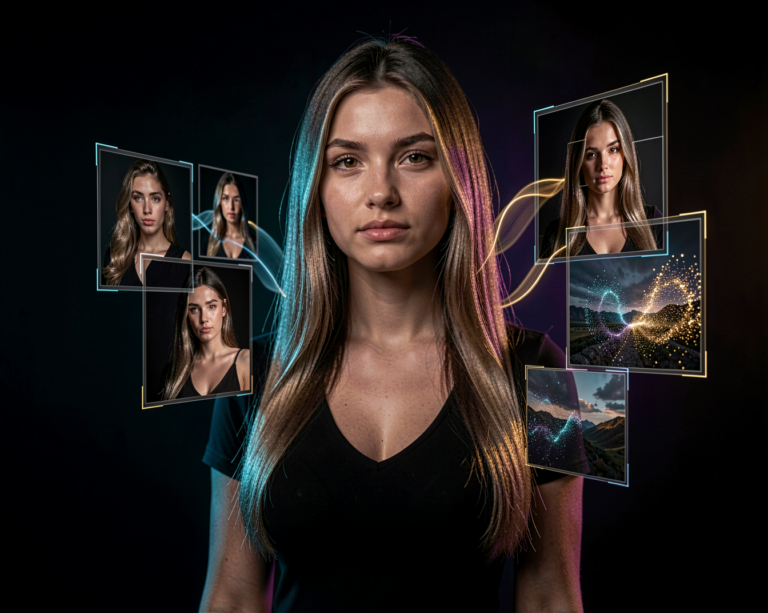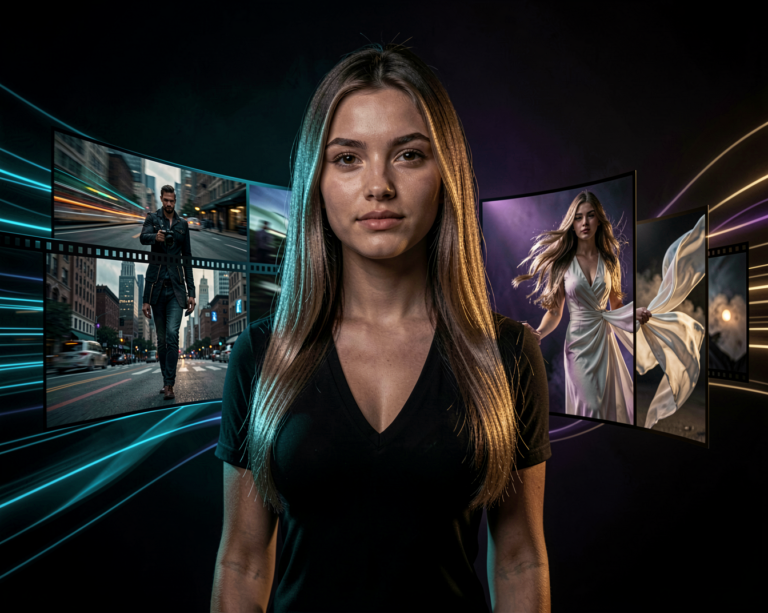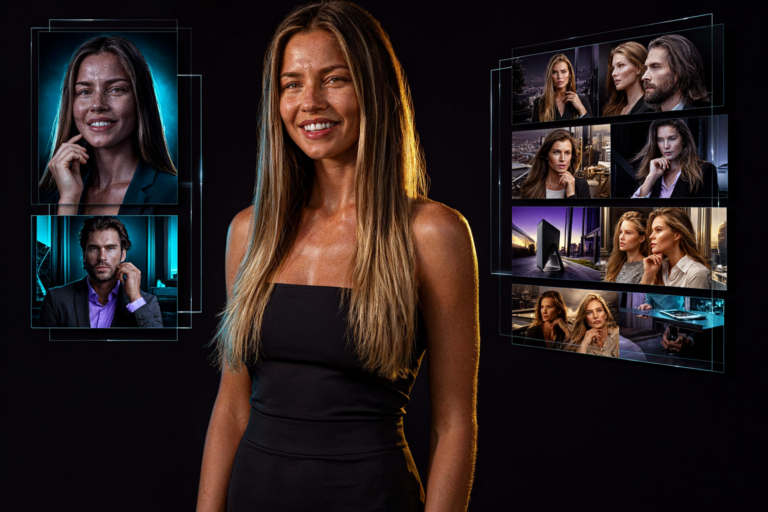
AI image generation is becoming faster, and the latest Qwen release is a good example of that progress.
On October 9, 2026, the Qwen team introduced Qwen-Image-2.1-Turbo, an accelerated version of Qwen-Image-2.1 designed for both image generation and image editing.
The headline feature is simple: the Turbo checkpoint is designed to produce results using just 8 denoising steps.
For AI creators, this could mean a more responsive workflow, faster experimentation and less time waiting for each generation to finish.
But speed is only part of the story.
What Is Qwen-Image-2.1-Turbo?
Qwen-Image-2.1-Turbo is an accelerated checkpoint of the Qwen-Image-2.1 image model.
It retains the same 7-billion-parameter visual generation architecture while using a sampling setup designed for much shorter generation runs.
Instead of requiring a long sequence of denoising steps, Turbo is configured to work with just eight.
This matters because image generation involves gradually transforming noise into a finished image. Reducing the number of steps can significantly reduce the amount of work needed during generation.
The goal is to make image creation faster without giving up the capabilities that make the underlying model useful.
Qwen-Image-2.1-Turbo supports both text-to-image generation and instruction-based image editing.
Why Eight Steps Matter
Many image-generation workflows use dozens of sampling steps.
More steps can be useful for certain models and workflows, but they also mean more computation for every image.
Turbo takes a different approach.
Its accelerated checkpoint is specifically configured for an eight-step sampling process. The recommended sampling schedule is included with the model, so users don’t need to manually construct the schedule themselves.
The model also uses a default classifier-free guidance scale of 1 and supports prefix key-value caching to reuse text and reference-image context across denoising steps.
These optimizations are designed to make the generation process more efficient.
However, fewer steps do not automatically guarantee better images or a specific speed improvement on every computer. Actual performance depends on hardware, software, resolution and the workflow being used.
The interesting question is how well Turbo balances speed and visual quality in everyday creative work.
Image Generation and Editing in One Model
One of the biggest advantages of Qwen-Image-2.1-Turbo is that it isn’t limited to generating images from scratch.
It can also edit existing images based on instructions.
For example, you could start with a portrait and ask the model to change the clothing, replace the background or modify a particular object.
Instead of rebuilding the entire composition manually, you can use a natural-language instruction to describe the change you want.
This makes Turbo useful for several different creative tasks:
- Creating photorealistic portraits
- Generating product images
- Designing posters and promotional graphics
- Editing existing photographs
- Combining multiple visual references
- Creating interior-design concepts
- Producing illustrations and digital artwork
The model inherits the broader generation and editing capabilities of Qwen-Image-2.1, making it more versatile than a model designed exclusively for text-to-image generation.
Can It Generate Transparent Images?
Yes. Native transparent-image generation is one of the capabilities of the Qwen-Image-2.1 model family.
This is particularly useful when you need an image that can be placed over another background.
Possible applications include:
- Character cutouts
- Product assets
- Stickers
- Website graphics
- Game assets
- Design elements
- Image compositing
The model family also supports editing transparent images and extracting subjects from photographs into transparent layers.
For creators who regularly move between image generation and graphic design, this can remove extra steps from the workflow.
Better Workflows With Reference Images
Another useful capability inherited from Qwen-Image-2.1 is multi-reference composition.
The model can work with up to ten reference images, allowing creators to provide visual examples rather than describing every detail in text.
Imagine supplying separate references for a character, an outfit and an environment.
You can then ask the model to combine these elements into a new composition.
Reference images can also help communicate visual identity, product details and the appearance of particular objects.
This approach is particularly interesting for creators who want to develop consistent characters or build a series of related images.
The Turbo checkpoint brings the accelerated generation process to this broader creative workflow.
Qwen-Image-2.1-Turbo in ComfyUI
For local AI creators, ComfyUI is one of the most interesting ways to experiment with the Qwen model family.
The Comfy-Org repository provides compatible Qwen-Image-2.1 model files and workflows, including Turbo-related options.
A basic generation workflow can be thought of as:
Prompt → Text Encoding → Qwen-Image-2.1-Turbo → Generated Image
Editing workflows can use an existing image and an instruction to guide the transformation.
You can also build more advanced pipelines involving reference images, upscaling and other image-processing models.
The advantage of ComfyUI is flexibility. You can experiment with different combinations of models and processing steps rather than being restricted to a single application.
Before downloading a model, make sure that your ComfyUI installation, nodes and model files support the specific Turbo checkpoint you intend to use.
What About Local Hardware?
A model with seven billion parameters can still require substantial memory, especially when running in full precision.
The actual requirements depend on the checkpoint format, precision, image resolution, text encoder, caching and other parts of the pipeline.
Quantized versions may reduce memory requirements, although they can introduce trade-offs in compatibility, performance or image quality.
It is also important to distinguish between model size and total VRAM usage. The complete workflow can require considerably more memory than the model weights alone.
If you plan to run Qwen-Image-2.1-Turbo locally, check the model’s official instructions and the requirements of your chosen implementation.
The eight-step sampling configuration reduces the number of denoising iterations, but it does not eliminate the need for sufficient GPU memory.
Is Turbo Better Than the Original Qwen-Image-2.1?
That depends on what you need.
The original Qwen-Image-2.1 is the base model, while Turbo is an accelerated checkpoint designed for fewer denoising steps.
Turbo is particularly attractive when you want to generate many images, test prompts quickly or make repeated edits.
The original model may still be worth comparing for workflows where you prefer its sampling behaviour or results.
Rather than assuming that one version is always better, compare them using the same prompts, image dimensions and reference images.
Look at more than just the first result.
Check details, text rendering, faces, textures, composition and how well each model follows editing instructions.
A faster model is most useful when the final result is good enough for the task you want to accomplish.
What Could This Mean for AI Creators?
Faster generation changes how people work with AI images.
When every generation takes less time, you can test more prompt variations, explore different compositions and make adjustments more frequently.
For example, you might generate a portrait, change the lighting, test several backgrounds and refine the clothing before choosing a final image.
You could also use Turbo to create early concepts before moving to another model for a particular finishing task.
This makes speed valuable even when the fastest checkpoint isn’t necessarily the best choice for every final image.
The real benefit is a more responsive creative process.
Final Thoughts
Qwen-Image-2.1-Turbo is an interesting development for anyone working with AI image generation.
Its eight-step sampling configuration aims to make generation and editing faster while retaining the broader capabilities of the Qwen-Image-2.1 model family.
For local AI users, ComfyUI creators and digital artists, it is worth exploring as another option for a faster image-generation workflow.
The most important thing will be how it performs on real hardware and real creative tasks, rather than simply how few steps it uses.
Less waiting means more room to experiment. And for AI creators, that can make a real difference.
Where to Find Qwen-Image-2.1-Turbo
The official model is available on Hugging Face, with usage instructions and example workflows.
- Model: Qwen-Image-2.1-Turbo
- Developer: Qwen
- Main capabilities: Text-to-image and image editing
- Visual generation architecture: 7B parameters
- Turbo sampling: 8 denoising steps
For the official model files and instructions, visit the Qwen-Image-2.1-Turbo model page on Hugging Face.
For other Qwen model releases and updates, keep an eye on the AI News section of Aiden Illusion.