Black Forest Labs has released a new image-generation model, and this one deserves attention from anyone working with local AI.
FLUX 3 Image Klein was released on October 15, 2026, as an open-weights model with approximately 5.6 billion parameters. It is designed for text-to-image generation, image editing and multi-reference workflows, bringing several advanced creative capabilities into a comparatively compact model.
The release also includes a faster distilled version and quantized variants designed to reduce deployment requirements.
For creators using ComfyUI, experimenting with LoRAs or building their own AI workflows, this could be an interesting new option.
Official announcement: Black Forest Labs
What Is FLUX 3 Image Klein?
FLUX 3 Image Klein is part of the FLUX 3 family developed by Black Forest Labs.
The model is designed to generate images from text prompts, edit existing images and combine multiple visual references. It also supports layout control through bounding boxes, giving developers more precise ways to specify where objects should appear.
Despite its relatively compact size, Black Forest Labs says Klein retains important capabilities from the larger FLUX 3 Image model, including native 4K generation and detailed image editing.
The release includes two main checkpoints:
- Base: designed for fine-tuning and workflows that benefit from the original model’s sampling configuration.
- Distilled: optimized for faster generation with fewer sampling steps.
There are also lower-precision variants intended to make deployment more efficient.
That combination makes Klein interesting for both people who simply want to generate images and creators who want to customize models for their own projects.
A Smaller Model With Ambitious Capabilities
One of the headline features is the model’s size.
FLUX 3 Image Klein contains approximately 5.6 billion parameters in its image generator. That is smaller than many large image-generation models, although the total memory required to run it also depends on the text encoder and other components.
According to Black Forest Labs, the model performed strongly in the company’s internal evaluations for text-to-image generation, multi-reference generation and image editing.
The company reports that Klein outperformed several competing models in its comparisons, including larger open-weights models.
These are company-reported results rather than an independent benchmark, so real-world comparisons will still be important.
Nevertheless, the combination of model size, image quality and editing capabilities is worth watching.
Text-to-Image Generation
The most familiar feature is text-to-image generation.
You describe a scene, and the model turns that description into an image.
For example:
A cinematic portrait of a woman standing in a futuristic city at night, realistic skin texture, soft reflections on wet pavement, dramatic blue and violet lighting, DSLR photography, shallow depth of field.
A good prompt describes the subject, environment, lighting, composition and visual style.
FLUX 3 Image Klein is designed to handle detailed scene descriptions while generating a coherent image.
This makes it useful for portrait photography, concept art, product imagery, visual storytelling and many other creative applications.
Image Editing With Natural-Language Instructions
Image editing is another important part of this release.
Instead of generating an entirely new image, you can provide an existing image and describe the changes you want.
For example:
Replace the background with a modern luxury hotel lobby while keeping the person’s appearance and clothing consistent.
Or:
Change the jacket to dark red leather and preserve the lighting, pose and composition.
The model is designed to follow editing instructions while preserving parts of the original image.
Black Forest Labs also highlights pixel-precise preservation of unedited regions in its editing workflow. The exact behaviour depends on the supported pipeline and settings.
For creators, the practical advantage is clear: sometimes an image is already almost perfect, and you only need to change one detail.
Up to 10 Reference Images
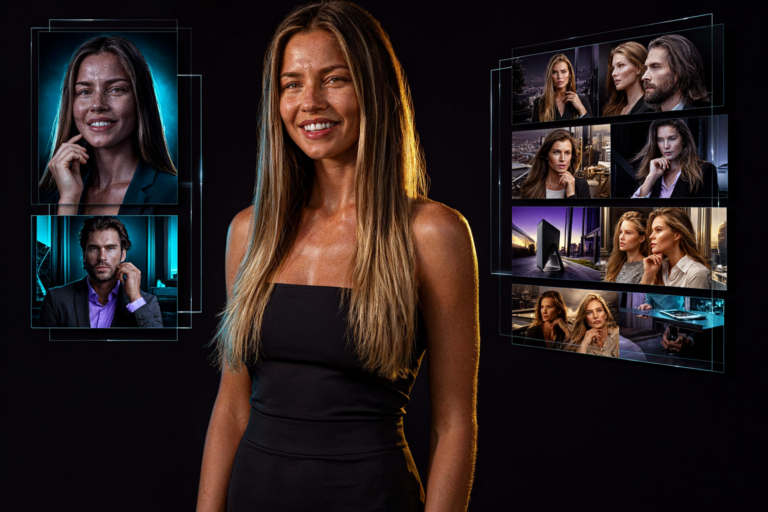
One of the more interesting features is support for up to 10 reference images.
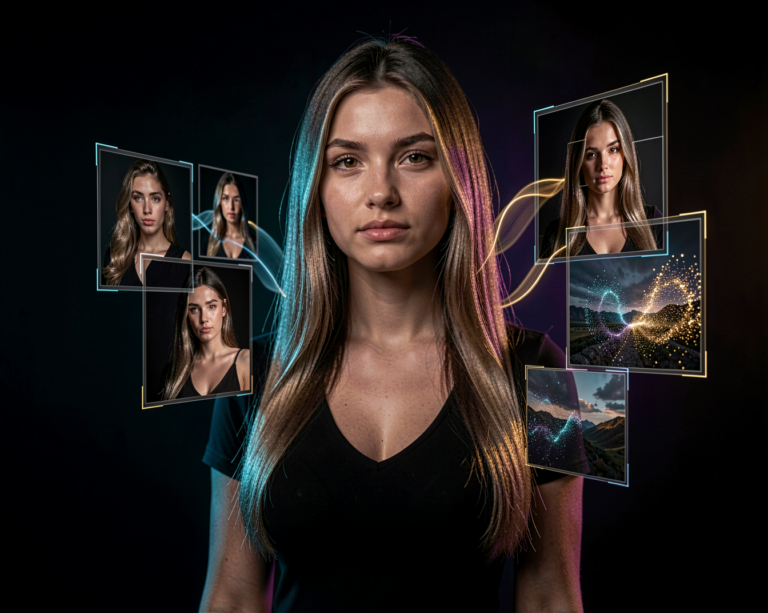
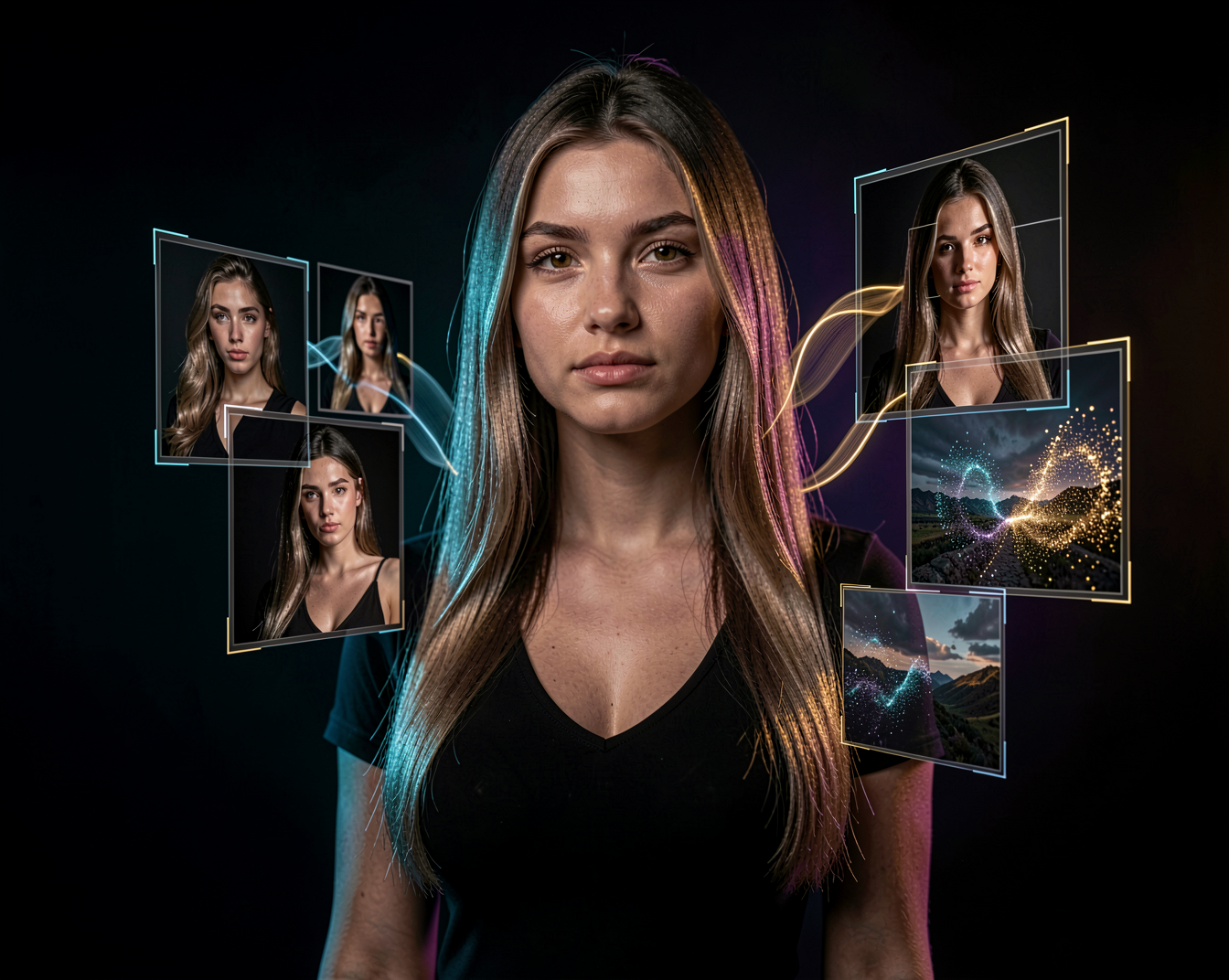
Rather than describing every visual detail in a prompt, you can provide images that show the appearance of a person, an outfit, an object or an environment.
The model can use these references to guide the generation process.
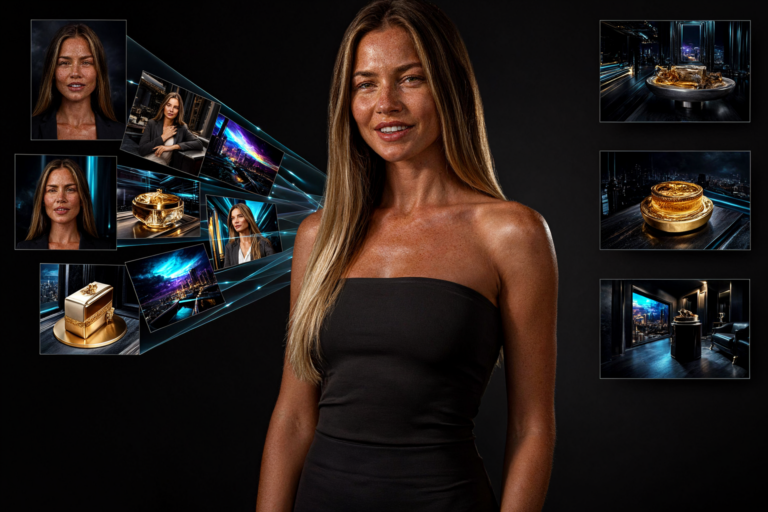
Imagine providing separate references for a character, clothing, accessories and a location, then asking the model to combine them into one composition.
This can be useful for:
- Consistent character creation
- Product photography
- Fashion concepts
- Interior design
- Marketing visuals
- Multi-image creative workflows
Reference images do not guarantee perfect identity or object consistency, but they provide another way to communicate what you want the model to create.
Bounding Boxes and Layout Control
FLUX 3 Image Klein also supports bounding-box controls.
A bounding box specifies a region of an image where an object or visual element should appear. In supported workflows, these boxes can help guide placement or limit the area affected by an edit.
For example, you might want a product on the left, a person on the right and enough empty space in the centre for a website headline.
Instead of relying entirely on a text prompt to describe the composition, you can provide additional spatial information.
This is particularly useful for graphic design, advertisements, product layouts and other tasks where composition matters.
It also makes the model more interesting for developers building automated image-generation systems.
Native 4K Image Generation
Black Forest Labs says FLUX 3 Image Klein supports native 4K image generation.
That is an important capability for creators who need detailed images for large displays, high-resolution artwork or professional design workflows.
However, native 4K support does not mean that every generation will be equally fast at every resolution.
Higher resolutions generally require more computation and memory. The actual performance depends on the hardware, checkpoint, precision and workflow.
For many users, generating at a smaller resolution and then refining or upscaling the image may still be a practical approach.
Faster Generation With the Distilled Model
The release includes a distilled checkpoint designed to reduce generation time.
Distillation is a technique used to create a model that can approximate aspects of a larger or more computationally demanding model with fewer inference steps.
In this case, the distilled FLUX 3 Image Klein checkpoint is configured for faster generation.
The official Hugging Face Diffusers guide specifies 16 steps as the default for the distilled model, compared with 50 steps for the base checkpoint.
Fewer steps can make experimentation more responsive, although speed and output quality depend on the prompt, resolution, hardware and implementation.
For people who generate many images while testing prompts, this could make a noticeable difference to their workflow.
Can You Run FLUX 3 Image Klein Locally?
Yes. One of the main attractions of this release is that the model weights are available for local use.
Black Forest Labs positions Klein as suitable for consumer GPUs and laptops, and the release includes lower-precision variants to reduce memory requirements.
The available formats include FP8, INT8 and NVIDIA’s NVFP4, alongside the standard model checkpoints.
These formats can reduce memory use, but hardware and software support varies. Some configurations may also require specialized kernels or compatible libraries to achieve their intended performance.
The total VRAM requirement depends on more than the number of parameters. The text encoder, image resolution, precision and other workflow components all matter.
For local creators, it is therefore worth starting with the official instructions and a compatible implementation rather than assuming that every checkpoint will run the same way.
FLUX 3 Image Klein in ComfyUI
ComfyUI users have another reason to pay attention: the release includes day-one support for ComfyUI, alongside Hugging Face Diffusers and other inference tools.
This means creators can explore the model within a node-based workflow rather than being restricted to a standalone application.
Possible workflows include:
Text Prompt → FLUX 3 Image Klein → Generated Image
Reference Images → FLUX 3 Image Klein → New Composition
Existing Image → Editing Instruction → FLUX 3 Image Klein → Edited Result
You can also combine image generation with other compatible models, upscalers and post-processing tools.
For creators who already build complex ComfyUI workflows, this flexibility is a major advantage.
Check that your ComfyUI version and model-loading nodes support the particular checkpoint you want to use.
LoRA Training and Customization
FLUX 3 Image Klein is not only intended for inference.
The base checkpoint is designed to support fine-tuning, and the release announcement identifies LoRA training support through Ostris’s AI Toolkit. NVIDIA NeMo AutoModel also provides training recipes.
This is especially interesting for creators who want to customize the model for a recurring character, a visual style or a specialized image-generation task.
A LoRA can provide a way to adapt a compatible base model without retraining all of its original weights.
However, compatibility matters. A LoRA trained for a different FLUX architecture should not automatically be assumed to work with FLUX 3 Image Klein.
Check the training configuration, supported architecture and recommended workflow before starting a training run.
What About Commercial Use?
The release uses the FLUX Kommunity License.
Black Forest Labs states that individuals and businesses with annual revenue below $5 million can use the released weights commercially under the applicable license. Larger organizations need to arrange the appropriate self-hosted commercial rights or use the company’s API.
This is an important distinction for anyone planning to use Klein in a commercial product, service or business workflow.
Open weights do not automatically mean unrestricted commercial use.
Before deploying the model commercially, read the actual license accompanying the checkpoint and confirm that your intended use meets its conditions.
Why This Release Matters
FLUX 3 Image Klein brings several capabilities together:
- Text-to-image generation
- Instruction-based image editing
- Up to 10 reference images
- Bounding-box layout control
- Native 4K generation
- A faster distilled checkpoint
- Quantized variants for more efficient deployment
- Support for local workflows and LoRA training
The combination is more important than any single feature.
Instead of focusing exclusively on generating an impressive image from scratch, Klein is designed to support a broader creative workflow: generate, edit, guide composition and customize.
That is useful for creators who need more control over the images they produce.
Final Thoughts
FLUX 3 Image Klein is a promising new release from Black Forest Labs.
Its relatively compact image-generation model, multi-reference capabilities, detailed editing controls and faster distilled checkpoint make it an interesting option for local AI creators.
The next step is real-world testing: how well does it follow complex prompts, preserve faces, handle text and edit existing images on consumer hardware?
Those results will help determine where Klein fits among the growing range of open-weights image models.
For anyone using ComfyUI or exploring custom AI image workflows, it is a release worth investigating.
The exciting part isn’t just generating a new image. It’s having more control over how that image is created, changed and customized.