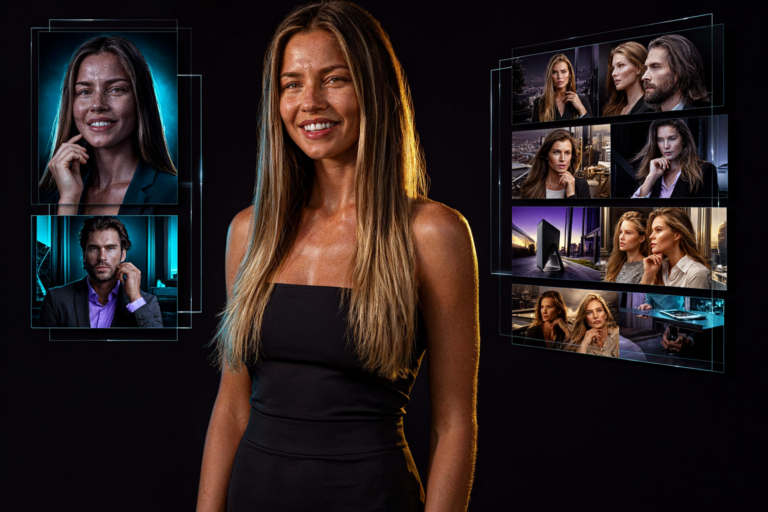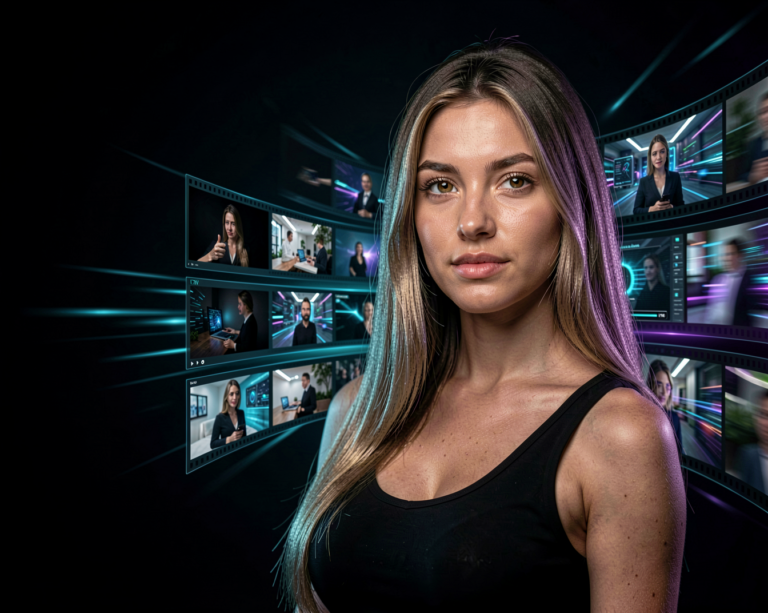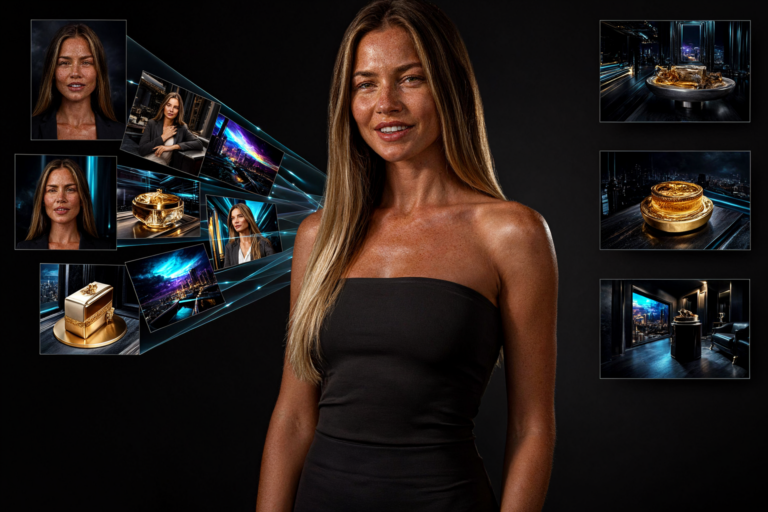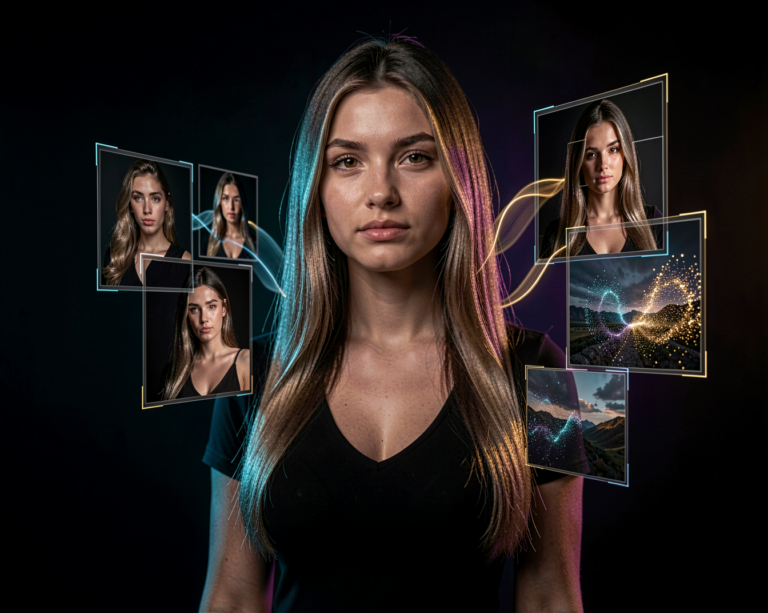

Qwen is not just one AI model. It is a growing family of models covering text, vision, reasoning, coding and creative AI.
For creators, that makes Qwen particularly interesting.
You can use different Qwen models to understand images, analyze video, write and generate code, work with documents, create prompts and, through dedicated creative models in the wider Qwen ecosystem, generate and edit images.
Hi, I’m Aiden, and this is your introduction to Qwen.
What Is Qwen?
Qwen is a family of AI models developed by the Qwen team at Alibaba Cloud.
The ecosystem covers a wide range of AI capabilities rather than focusing on just one type of generation.
Depending on the model you’re using, Qwen can work with:
- Text
- Images
- Video
- Documents
- Code
- Audio and other multimodal inputs
- Reasoning and analysis
This makes Qwen particularly interesting for people who work with local AI.
Instead of thinking of Qwen as one application, it is better to think of it as a collection of specialized AI models.
Different models can be downloaded, run locally or integrated into different AI tools and workflows.
Why Is Qwen Interesting for Creators?
At first glance, a language model might not seem particularly relevant to someone interested in AI images or video.
But modern creative workflows often involve much more than image generation.
Imagine a workflow like this:
Qwen analyzes an image
↓
Qwen describes the image
↓
Qwen improves your prompt
↓
An image model generates a new image
↓
A video model animates it
Qwen can therefore become part of the creative process without necessarily being the model that generates the final image or video.
It can act as the brain behind the workflow.
Qwen and Vision
One of the most useful parts of the Qwen ecosystem is its vision-language models.
These models can process both text and visual information.
That means you can provide an image and ask questions about it.
For example:
Describe this image.
Or:
What is the woman wearing?
Or:
Write a detailed prompt that could recreate this image.
Or:
Analyze the lighting, camera angle and composition.
This becomes extremely useful when working with AI-generated images.
Instead of manually describing everything you see, you can let a vision-language model analyze the image for you.
Turning Images Into Prompts
Imagine you’ve found an image with exactly the style you’re looking for.
You could ask a vision model to analyze it.
For example:
Analyze this image and create a detailed image-generation prompt describing the subject, clothing, environment, lighting, camera, composition and photographic style.
The result can then be adapted for an image-generation model.
This creates an interesting connection between vision models and image generators.
One model understands the image.
Another model creates the image.
Qwen and Video Understanding
Some Qwen vision-language models can also work with video.
Instead of simply looking at one frame, a model can be used to analyze visual information across a video.
That opens up possibilities such as:
- Video descriptions
- Scene analysis
- Summarization
- Understanding actions
- Finding important moments
- Extracting information from video
- Creating prompts based on video content
For AI creators, this can become particularly useful when working with generated video.
You could potentially use an AI model to analyze a generated clip and then use that information to refine your next generation.
Qwen for Prompt Creation
One of the simplest ways to use Qwen in a creative workflow is as a prompt assistant.
Instead of trying to write every prompt yourself, you can give Qwen a basic idea.
For example:
A woman walking through a futuristic city.
You could then ask Qwen to expand it into a detailed prompt for an image or video model.
The resulting prompt might describe:
- Subject
- Clothing
- Environment
- Lighting
- Camera
- Composition
- Atmosphere
- Movement
You can then take that prompt and use it with a dedicated image or video model.
This is a useful distinction:
Qwen doesn’t have to create the final image to be useful for image generation.
It can help you get there.
Qwen and Creative Image Generation
The Qwen ecosystem also includes dedicated image-generation and image-editing models.
These models are separate from the general Qwen language models, but they belong to the broader Qwen family of AI technology.
This is important because “Qwen” can refer to several different types of models.
A Qwen language model isn’t automatically an image generator.
A Qwen vision-language model isn’t necessarily the same thing as a Qwen image-generation model.
When downloading a model, always check exactly what it is designed to do.
Qwen Image Models
Dedicated Qwen image models can be used for creative image generation and editing.
Depending on the specific model, workflows can include:
- Text-to-image
- Image editing
- Image understanding
- Creative transformations
- Character concepts
- Photorealistic scenes
- Artistic images
- Product concepts
This is where Qwen becomes particularly interesting for people who already use tools such as ComfyUI.
A Qwen-based image model can become one part of a larger workflow rather than an isolated application.
Qwen and ComfyUI
If you enjoy building AI workflows rather than simply clicking a button, Qwen can become especially interesting.
ComfyUI allows different AI models to be connected together.
A possible workflow could look like:
Input Image
↓
Qwen Vision Model
↓
Image Analysis
↓
Prompt Generation
↓
Image Model
↓
Generated Image
Another workflow could use Qwen to analyze the result and generate suggestions for improving the next prompt.
This is where multimodal AI becomes powerful.
Instead of using one model for everything, you can give each model a specific job.
Local Qwen Models
One of the reasons Qwen is particularly interesting to the local AI community is the availability of model weights for many releases.
Models are available in different sizes and formats, depending on the specific release.
For example, the Qwen ecosystem includes smaller models designed to run on more modest hardware as well as very large models intended for much more powerful systems. Qwen’s vision-language releases have also been made available in multiple sizes and formats, including versions suitable for local experimentation.
This gives users considerably more choice.
You don’t necessarily have to use the largest model.
A smaller model may be much more practical on a consumer GPU.
Quantization
If you have explored local AI before, you’ve probably encountered terms such as:
FP16
BF16
FP8
GGUF
These describe different ways of storing or running models.
Quantization can reduce memory requirements and make larger models more practical on consumer hardware, although the exact trade-offs depend on the model and quantization method.
Qwen models are available in multiple formats and sizes, including quantized versions for some releases.
This is one reason why the model you download is not necessarily the same thing as simply saying:
“I want Qwen.”
You first need to decide which Qwen model and which format you actually need.
Qwen Models Come in Different Sizes
Another important thing to understand is that Qwen models are available at very different scales.
A smaller model may be useful when:
- VRAM is limited
- You want faster generation
- You want to run locally
- You need a model for a lightweight workflow
Larger models can provide more capability but require substantially more computing resources.
Current Qwen vision-language releases, for example, span from small models suitable for edge and consumer experimentation to much larger models designed for high-end deployment.
For that reason, hardware requirements should always be checked against the specific Qwen model rather than the Qwen family as a whole.
What Can You Actually Do With Qwen?
This is where things get interesting.
Here are some practical creative workflows.
Analyze an Image
Give Qwen an image and ask it to describe what it sees.
Create a Prompt
Ask Qwen to turn the visual information into a detailed prompt.
Improve a Prompt
Give Qwen your existing prompt and ask it to make the description more precise.
Analyze a Video
Use a vision-capable model to examine a video and describe what happens.
Generate Code
Use Qwen’s coding capabilities to create or modify scripts and tools.
Work With Documents
Give a capable Qwen model a document and ask it to extract or summarize information.
Build AI Workflows
Use Qwen as one component inside a larger local AI pipeline.
This versatility is what makes the Qwen ecosystem different from a model that has only one purpose.
Qwen as the Brain of a Creative Workflow
Here’s an example of how I might use Qwen.
I start with a reference image.
I ask a vision-capable Qwen model:
Analyze this image in detail. Describe the subject, composition, lighting, camera perspective, environment and photographic style.
Qwen analyzes the image.
I then ask:
Turn your analysis into a prompt for an image-generation model.
The resulting prompt can then be passed to an image model.
The image model creates the result.
I can then give the new image back to Qwen:
Compare this image with the original and explain what could be improved.
Now the workflow becomes a loop:
Analyze → Create → Analyze → Improve
That’s much more interesting than simply asking an AI to generate one image.
Qwen and AI Agents
Some Qwen models are also designed to interact with tools and applications.
Modern vision-language models can go beyond simply describing what they see.
For example, Qwen’s current vision-language ecosystem includes capabilities for visual interaction, spatial understanding, coding from visual inputs and understanding long visual contexts.
This points toward a future where AI models don’t just generate content.
They can also understand the tools used to create that content.
For creators, that could eventually mean AI assistants that can understand a ComfyUI workflow, inspect an image, suggest changes and help construct the next generation.
Qwen and Hardware
There is no single hardware requirement for Qwen.
The requirements depend entirely on the model you’re using.
A small language or vision model may be practical on a consumer GPU.
A much larger model may require substantially more VRAM, system memory or multiple GPUs.
Quantization can also change the hardware requirements significantly.
That’s why Qwen model pages should always be checked individually before downloading anything.
Here at Aiden Illusion, we’ll focus on the practical side:
Can it run locally?
How much VRAM does it actually use?
Which format makes sense?
What can you create with it?
Qwen, Hugging Face and Local AI
Qwen models are widely distributed through repositories such as Hugging Face.
Individual model pages contain the files, model information and instructions needed to work with the specific release.
For example, Qwen vision-language models are available through Hugging Face in multiple sizes, architectures and formats.
This makes Hugging Face an important place to visit when you want to experiment with Qwen locally.
But remember:
Always download the model that matches your intended workflow.
A vision model, language model, image model and video model may all belong to the Qwen ecosystem while serving completely different purposes.
The Qwen Ecosystem
Perhaps the best way to think about Qwen is as an ecosystem rather than a single AI.
There are models for:
Language
Reasoning
Vision
Video understanding
Coding
Image editing
And more capabilities continue to appear as the ecosystem develops.
That makes Qwen particularly interesting for creators who like experimenting with local AI.
You don’t have to use just one model.
You can build a workflow where different Qwen models perform different jobs.
What’s Next for Qwen?
Qwen is an active model ecosystem, so new releases and specialized models will continue to appear.
That’s why this page will remain focused on Qwen as a model family rather than becoming a list of every individual release.
When an important new model appears, we’ll cover it separately in AI News.
Individual model articles can then go deeper into:
- What the model does
- Download options
- Supported formats
- VRAM requirements
- ComfyUI compatibility
- Prompting
- Image and video examples
- Local installation
- Real-world testing
This keeps the main Qwen page useful as a starting point while the individual articles provide the technical details.
Final Thoughts
Qwen is interesting because it sits at the intersection of several areas of AI.
It can understand.
It can reason.
It can work with visual information.
It can help create content.
And different Qwen models can become building blocks inside larger AI workflows.
For someone interested in creative AI, that makes Qwen more than just another chatbot.
It can become part of the process behind the things you create.
And that’s ultimately what we’re interested in here at Aiden Illusion.
Not just what AI can do.
But what you can create with it.
— Aiden