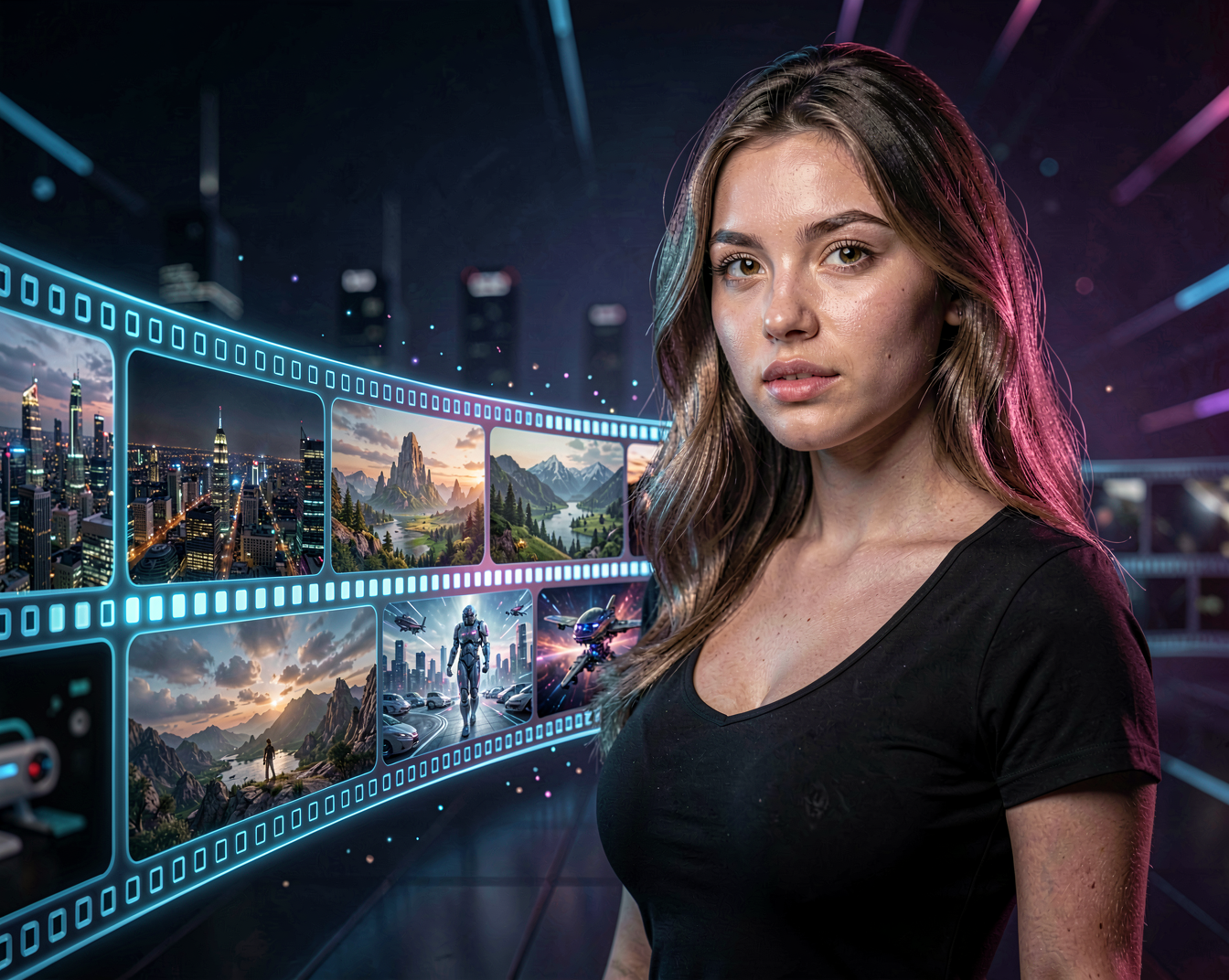
MiniMax is an AI company developing generative models for text, images, audio and video. For creators, its video generation technology is particularly interesting because it can turn ideas, images and prompts into dynamic video content.
But what can you actually create with MiniMax?
Hi, I’m Aiden, and let’s take a look.
What Is MiniMax?
MiniMax is a Chinese AI company focused on developing multimodal generative AI.
Its technology covers several areas of generative AI, including:
- Text generation
- Image generation
- Video generation
- Audio and speech
- Multimodal AI
For creative users, the video-generation side of the MiniMax ecosystem is especially interesting.
AI video models can take a written description or an image and transform it into a moving scene, opening up possibilities for filmmakers, artists, content creators and anyone experimenting with generative media.
What Can You Create With MiniMax?
The easiest way to understand AI video generation is to look at the creative possibilities.
You can use MiniMax technology to experiment with:
- Cinematic scenes
- Character animation
- Image-to-video
- Text-to-video
- Product videos
- Fashion videos
- Short social media clips
- Music video scenes
- Visual storytelling
- Experimental animation
The exact capabilities depend on the model and service you are using, but the basic idea is simple:
Give the AI an idea, and let it turn that idea into moving images.
Text-to-Video
Text-to-video starts with a written description.
You describe the scene, subject, movement and atmosphere, and the model generates a video based on your instructions.
For example:
A cinematic shot of a woman walking through a neon-lit city at night, rain falling around her, reflections on the wet street, soft atmospheric lighting, slow camera movement.
The AI has to interpret both the visual scene and the requested movement.
This makes text-to-video extremely flexible.
You don’t need an existing image to get started.
You simply start with an idea.
Image-to-Video
Image-to-video works differently.
Instead of describing the entire scene from scratch, you provide an image as the visual starting point.
The image can define things such as:
- Character appearance
- Clothing
- Environment
- Composition
- Lighting
- Camera angle
You can then describe the movement you want.
For example:
The woman slowly turns toward the camera while her hair moves gently in the wind. The camera slowly moves closer.
The model then attempts to animate the image while maintaining the important visual elements.
This workflow is particularly useful when you have already created a character or image that you want to bring to life.
Creating AI Characters
AI video generation becomes especially interesting when combined with AI character creation.
You could first generate an image of a character and then use image-to-video generation to create a short sequence.
For example:
Character image
↓
↓
Walking sequence
↓
Close-up
↓
Different scene
↓
Edited short film
Instead of trying to generate an entire story in one prompt, you can create individual shots and assemble them afterwards.
This gives you much more control over the final result.
Camera Movement
Camera movement can make a huge difference.
A static AI-generated image can become much more cinematic when the camera is instructed to move.
You can experiment with descriptions such as:
Slow push-in
The camera slowly moves toward the subject.
Tracking shot
The camera smoothly follows the woman as she walks.
Pan
The camera slowly pans from left to right across the scene.
Pull-back
The camera slowly moves backward, revealing the environment.
Orbit
The camera slowly moves around the subject.
These instructions can be combined with character movement.
For example:
The woman walks slowly toward the camera while the camera smoothly moves backward, maintaining a cinematic medium shot.
Prompting MiniMax
A good video prompt doesn’t necessarily need to be extremely long.
In many situations, it’s more useful to clearly describe the important elements.
A simple structure is:
Subject + Action + Environment + Camera + Style
For example:
A young woman walking through a rainy city street at night, looking toward the camera, wet pavement reflecting neon lights, slow cinematic tracking shot, realistic lighting and natural movement.
Breaking this down:
Subject:
A young woman
Action:
Walking through a rainy city street
Environment:
Nighttime city with wet pavement and neon lights
Camera:
Slow cinematic tracking shot
Style:
Realistic lighting and natural movement
This gives you a useful starting point that you can then modify.
From One Image to a Video
One of the most useful creative workflows is starting with a carefully created image.
Imagine you generate a portrait with exactly the appearance you want.
Instead of generating another random image, you can use that image as the foundation for a video.
For example:
Step 1 — Create the image
Generate the character and environment.
Step 2 — Prepare the image
Make sure the composition and details look the way you want.
Step 3 — Animate it
Use image-to-video generation.
Step 4 — Describe the movement
Tell the model what should move and how the camera should behave.
Step 5 — Generate multiple versions
Small changes can produce very different results.
Step 6 — Edit the best clips together
The final video can be created from several short generations.
This workflow gives you considerably more creative control than asking an AI to generate an entire scene from scratch.
MiniMax and Creative Storytelling
AI video models are particularly interesting for storytelling.
You don’t need a traditional film crew to experiment with a visual idea.
A short story could be broken into individual shots:
Shot 1
A character walks through a city.
Shot 2
Close-up of the character looking around.
Shot 3
The character notices something in the distance.
Shot 4
Camera moves toward the mysterious object.
Shot 5
Wide shot revealing the environment.
Each shot can be generated separately and edited together.
The result doesn’t have to be a professional movie.
It can simply be an experiment.
And that’s one of the most exciting things about generative video.
MiniMax for Social Media
Short AI-generated clips are also well suited to social media.
You can experiment with:
- Instagram Reels
- TikTok videos
- YouTube Shorts
- Promotional clips
- Character content
- Fashion concepts
- Music visuals
- Short cinematic scenes
A single image can potentially become several different short clips.
For example, the same character could appear in:
A city
A beach
A futuristic environment
A fantasy world
A cinematic studio
The possibilities are largely limited by the model’s capabilities and your imagination.
MiniMax and Audio
MiniMax’s broader AI ecosystem also extends beyond video.
The company has developed technologies involving areas such as text, speech and audio.
That makes the ecosystem interesting for creators who want to experiment with more than just visual generation.
A future creative workflow could combine:
Text
↓
Image
↓
Video
↓
Voice
↓
Music
↓
Final edit
Instead of using AI for one isolated task, different generative models can become parts of the same creative process.
Local AI vs Online AI
One important thing to understand about MiniMax is that not every part of its AI ecosystem necessarily works in the same way.
Some models and services are available through online platforms or APIs, while other AI models in the broader ecosystem may be available for developers and local experimentation.
This distinction matters if your goal is to run everything on your own computer.
Before downloading a model or building a workflow, always check the requirements and licensing information for the specific release you’re interested in.
We’ll cover individual releases separately when they become relevant.
Hardware and Generation Requirements
AI video generation can require considerably more computing power than AI image generation.
The actual requirements depend on the specific model, generation method and platform.
Factors can include:
- Model size
- Resolution
- Number of frames
- Generation settings
- Quantization
- Available VRAM
- System RAM
For cloud-based generation, much of the heavy computation happens remotely.
For local models, your own hardware becomes much more important.
That’s why individual model releases should always be checked before deciding how you want to use them.
What Can Go Wrong?
AI video generation is still far from perfect.
You may encounter:
- Changing faces
- Unnatural hands
- Flickering details
- Objects changing shape
- Inconsistent clothing
- Strange motion
- Background changes
- Unwanted camera movement
Sometimes a generation can look surprisingly realistic for several seconds and then suddenly fall apart.
Other times, the model may produce something completely different from what you expected.
That isn’t necessarily a failure.
Experimentation is part of working with generative AI.
MiniMax as a Creative Tool
The most interesting part of MiniMax isn’t simply the technology behind it.
It’s what you can do with it.
A simple idea can become a scene.
A photograph can become a moving shot.
A character can become part of a story.
And several short generations can become a complete sequence.
That’s the direction AI video generation is moving toward:
From generating pictures to creating stories.
MiniMax Model Updates
MiniMax is an active AI ecosystem, and its models and services can change over time.
Rather than turning this page into a list of every release, we’ll keep this article focused on the broader MiniMax ecosystem and its creative possibilities.
When significant new models or versions are released, you’ll find those updates in our AI News section.
Individual releases can then have their own articles covering:
- What’s new
- Model capabilities
- Availability
- Download information
- Hardware requirements
- Prompt examples
- Workflow information
- Example generations
That way, this page remains a useful introduction to MiniMax while the news section keeps track of what’s happening right now.
Final Thoughts
AI video generation is moving quickly, and MiniMax is part of that development.
Whether you’re interested in cinematic experiments, AI characters, social media content, storytelling or simply seeing what today’s generative models can do, MiniMax is an ecosystem worth exploring.
And as always, the most interesting question isn’t:
“How impressive is the technology?”
It’s:
“What can we create with it?”
That’s what we’ll keep exploring here at Aiden Illusion.
See you in the next experiment.
— Aiden