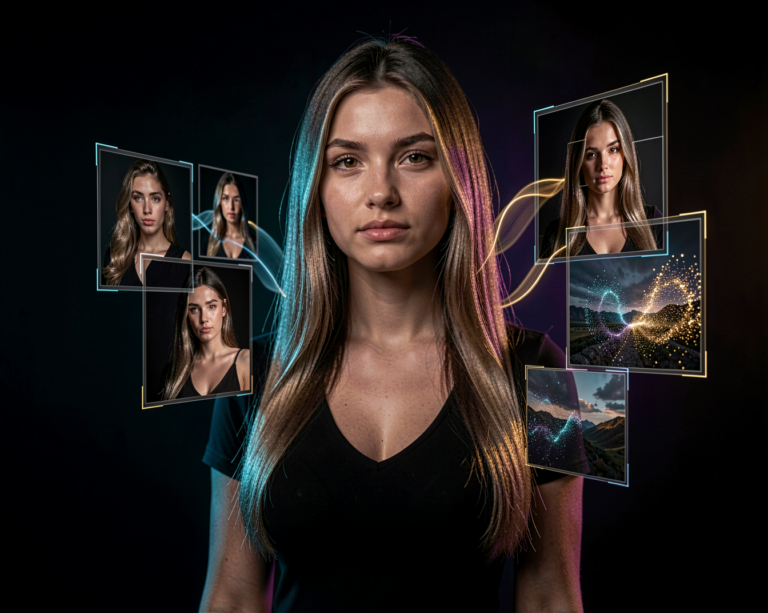
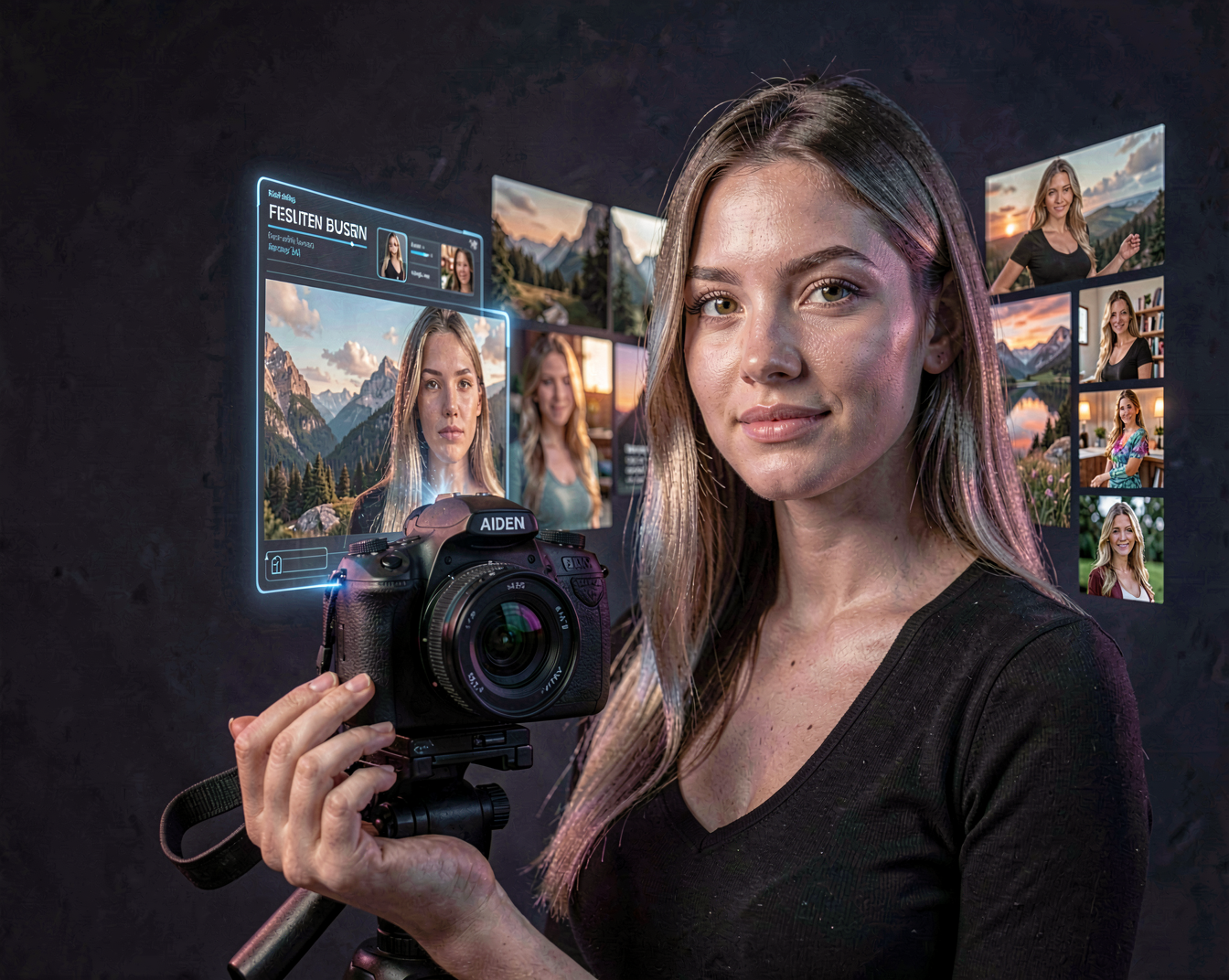
When people talk about AI image generation, FLUX is one of the model families that quickly comes up. It has become particularly interesting for creators who want realistic images, strong prompt understanding and more control over the final result.
But FLUX is more than just another image generator. It has become part of a much larger creative ecosystem, especially for people working with local AI tools such as ComfyUI.
So what exactly is FLUX, and what can you actually create with it?
What Is FLUX?
FLUX is a family of generative image models developed by Black Forest Labs.
The models are designed to turn text prompts and, depending on the model and workflow, images into detailed visual content. FLUX has gained attention for its ability to produce highly detailed images while understanding relatively complex descriptions.
For creators, that makes FLUX particularly useful when a simple prompt such as:
“a woman standing in a city at night”
isn’t enough.
You can describe the environment, clothing, lighting, camera perspective, mood, composition and many other details — and FLUX can use that information to construct a much more specific image.
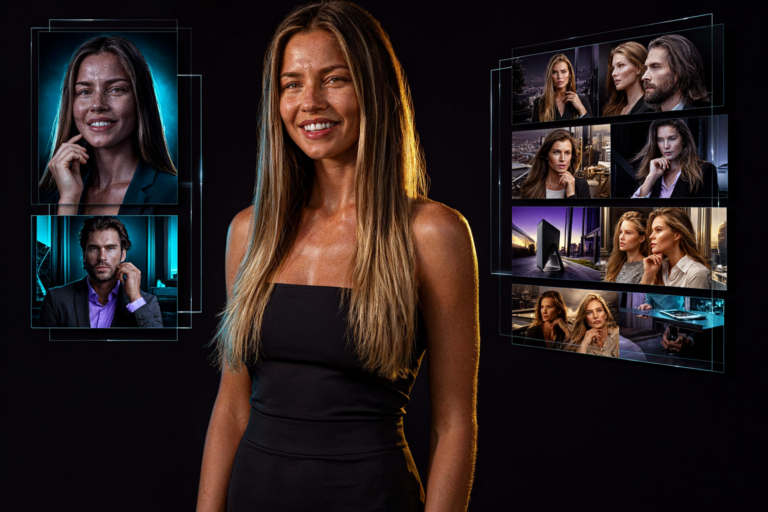
This makes it useful for everything from realistic photography to concept art, advertising, characters and experimental artwork.
What Can You Create With FLUX?
One of the most interesting things about FLUX is its versatility.
You can use it to create:
- Photorealistic portraits
- Fashion photography
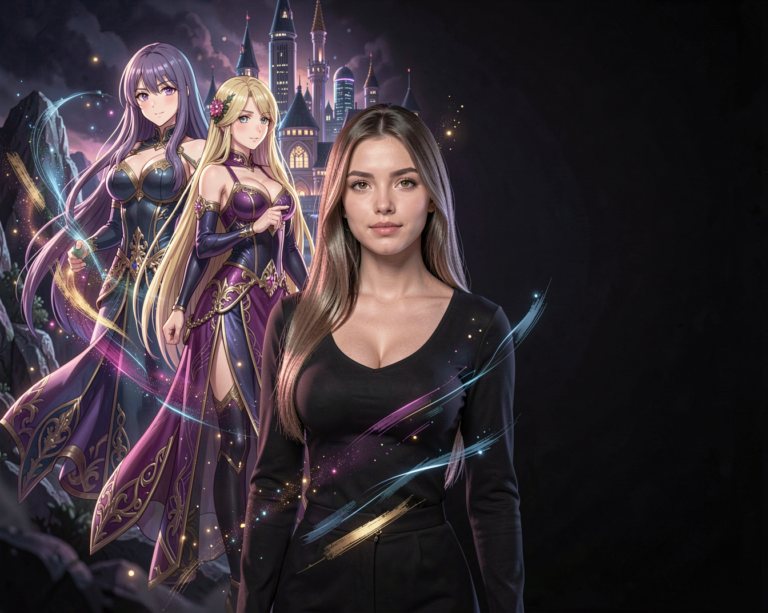
- Characters and character concepts
- Cinematic scenes
- Fantasy environments
- Sci-fi artwork
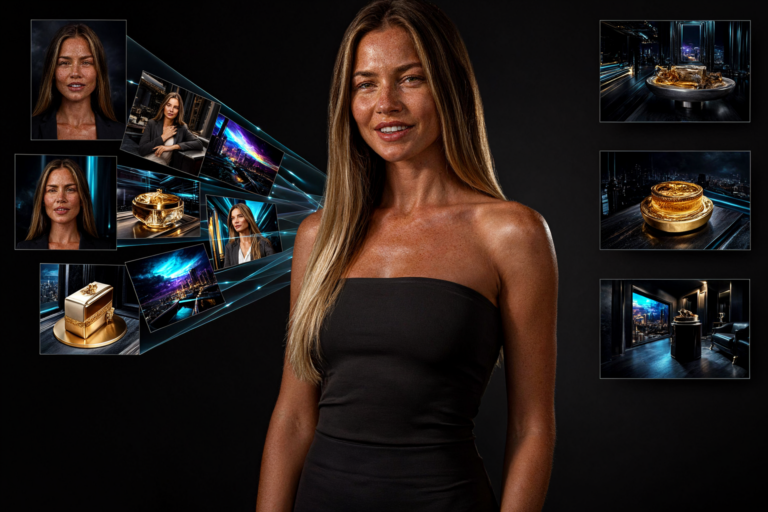
- Product-style photography
- Social media images
- Backgrounds and wallpapers
- Concept art
- Illustrations
- Creative experiments
For example, a prompt doesn’t have to describe just the subject.
You can combine:
Subject + environment + lighting + camera + composition + style
to create a much more controlled result.
A prompt such as:
“A woman walking through a rainy Tokyo street at night”
can become much more specific:
“A young woman walking through a neon-lit Tokyo street after heavy rain, reflections on the wet pavement, cinematic night photography, shallow depth of field, natural skin texture, dramatic rim lighting, 85mm lens, DSLR, photo realistic.”
The second prompt gives the model considerably more visual information to work with.
FLUX and Photorealism
One of the reasons FLUX became popular among creators is its ability to produce convincing realistic imagery.
Faces, skin, clothing, environments and lighting can all be rendered with a high level of detail.
This makes FLUX especially interesting for creators who want images that look closer to professional photography rather than traditional AI artwork.
However, photorealism isn’t simply about adding the words “photo realistic” to a prompt.
Lighting, camera perspective, composition and environmental details can have just as much influence on the final image.
This is where experimenting with prompts becomes important.
FLUX and Prompting
FLUX is particularly interesting when you start writing more detailed prompts.
Instead of thinking only about what you want to see, you can start describing how the image should look.
For example:
Subject
A woman with long dark blonde hair
Environment
Standing on a rooftop overlooking a modern city
Lighting
Golden hour sunlight with soft rim lighting
Camera
85mm portrait lens, shallow depth of field
Style
Cinematic fashion photography, natural skin texture
Combined, these elements give the model a much clearer visual direction.
That doesn’t mean longer prompts are always better. A good prompt should contain useful visual information rather than simply adding more words.
FLUX and ComfyUI
For creators who want more control, FLUX works particularly well with ComfyUI.
Instead of using a simple online image generator, ComfyUI allows you to build complete workflows around the model.
For example, you can create workflows that combine:
- FLUX
- LoRA models
- ControlNet-style control methods
- Image references
- Upscaling
- Image editing
- Detail enhancement
- Multiple generation stages
This turns FLUX from a simple image generator into part of a much larger creative pipeline.
A workflow might start with a text prompt, generate an image, refine the composition, upscale it and then perform additional processing before saving the final result.
That level of control is one of the main reasons local AI image generation is so interesting.
FLUX and LoRAs
FLUX can also be used with LoRA models.
A LoRA can help introduce a specific visual concept, character, style or other learned feature into the generation process.
For creators, this opens up interesting possibilities.
You could, for example, create a LoRA for a recurring character and then use that character across different environments, outfits and scenes.
This is especially useful when building a consistent visual identity.
Instead of generating a completely different person every time, a trained LoRA can help maintain recognizable characteristics across multiple images.
Running FLUX Locally
One of the biggest advantages of the FLUX ecosystem is that several models can be used locally.
This means creators can experiment with image generation without relying entirely on a web-based service.
However, hardware requirements can vary significantly depending on the model, precision, quantization and workflow being used.
VRAM is particularly important.
A larger model may require considerably more GPU memory than a smaller or quantized version. Techniques such as model quantization, CPU offloading and memory optimization can make some workflows possible on hardware that otherwise wouldn’t have enough VRAM.
This is one area where tools such as ComfyUI are particularly useful.
FLUX Is an Ecosystem, Not Just One Model
It is important to remember that FLUX refers to a family of models rather than one single model.
Different FLUX releases and variants can have different strengths, hardware requirements and intended uses.
Some may focus on image generation, while others can be designed for different workflows or levels of efficiency.
That is why simply asking whether “FLUX is good” doesn’t tell the whole story.
The more useful question is:
Which FLUX model is best for the thing you want to create?
And that answer can change as new models are released.
What Makes FLUX Interesting for Creators?
For me, one of the most interesting things about FLUX isn’t simply the quality of the images.
It’s the amount of creative experimentation that becomes possible.
You can start with a simple idea and gradually build a complete workflow around it.
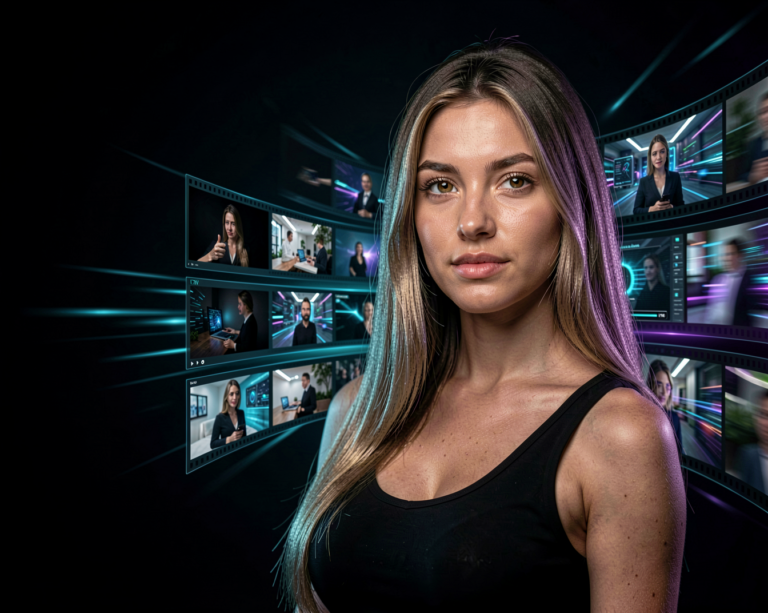
A character can become a series of photographs.
A photograph can become an edited scene.
A generated image can become the starting point for a video.
A LoRA can turn a one-off character into a recurring visual identity.
And ComfyUI can connect all of these steps together.
That’s where AI image generation becomes much more than simply typing a prompt and clicking Generate.
The Limitations
FLUX isn’t perfect.
Results can still vary between generations, and complex compositions can sometimes produce unexpected details.
Hands, text, unusual objects and complicated interactions between multiple subjects can still require experimentation or additional processing.
Hardware can also be a limitation when working locally.
Large models can require significant GPU memory, and more advanced workflows can increase the requirements even further.
This means the “best” FLUX setup isn’t necessarily the largest model available. For many creators, finding the right balance between quality, speed and hardware requirements is more important.
Where FLUX Fits Into the AI Creative Ecosystem
FLUX is particularly interesting because it sits at the intersection of image generation, local AI and creative workflows.
It can be used as a straightforward image generator, but it can also become one component in a much larger pipeline.
You can combine it with:
Text → FLUX → Image → LoRA → Editing → Upscaling → Video
That kind of workflow is where things start becoming really interesting.
Instead of asking what one AI model can do, you start asking what several models can do together.
Final Thoughts
FLUX has become an important part of the AI image generation landscape because it offers creators a combination of image quality, prompt understanding and flexibility.
Whether you’re interested in photorealistic portraits, cinematic scenes, characters, concept art or completely experimental visuals, FLUX gives you a lot of room to explore.
And if you’re willing to move beyond simple online generators and start experimenting with tools such as ComfyUI and LoRAs, FLUX becomes even more interesting.
AI image generation is moving quickly, so the specific FLUX models available today won’t necessarily be the same ones we’ll be using tomorrow.
That’s why this page focuses on FLUX as a model family.
When a new FLUX version or major release appears, we’ll cover the specific changes, new capabilities, hardware requirements and practical tests separately in AI News.
The model may change.
The creative possibilities keep growing.