AI image generation is moving quickly. New models appear constantly, but every now and then a model arrives that gets attention for a slightly different reason.
Z-Image is one of those models.
Developed by the Tongyi-MAI team, Z-Image is a family of image generation models built around a relatively compact 6-billion-parameter architecture. The project focuses on image quality, prompt adherence, visual diversity and efficiency, making it particularly interesting for creators who want to run AI image generation locally.
But what makes Z-Image interesting for creators?
What Is Z-Image?
Z-Image is a family of generative image models designed primarily for creating images from text prompts.
The project uses a single-stream Diffusion Transformer architecture and was designed with efficiency in mind. The model family includes different variants aimed at different workflows, including fast generation, general image generation and image editing.
That makes Z-Image interesting for both casual experimentation and more advanced local AI workflows.
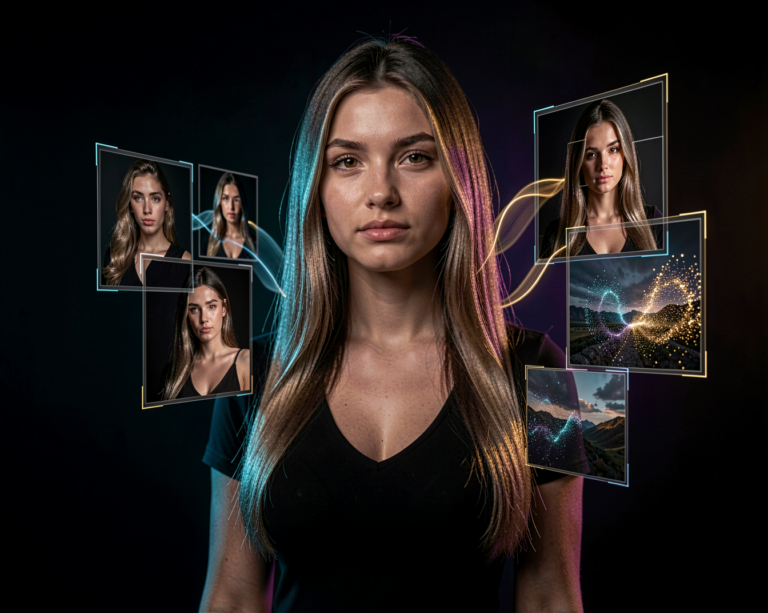
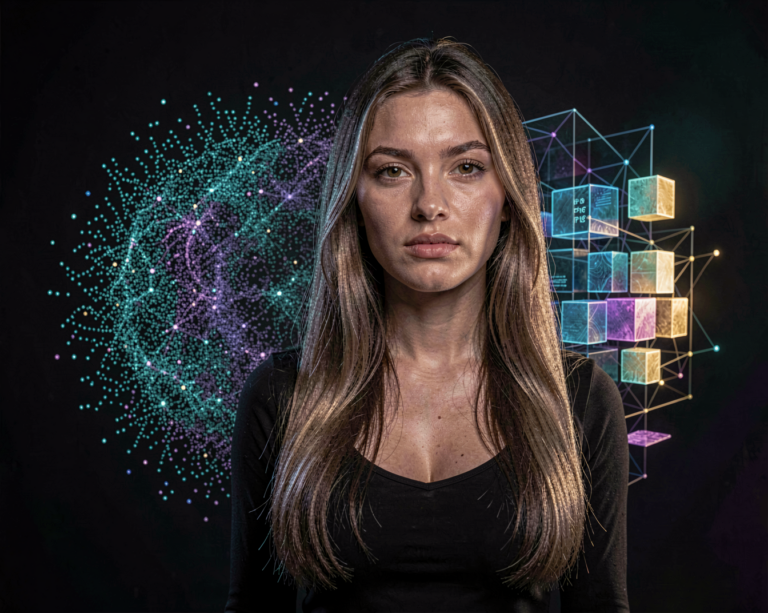
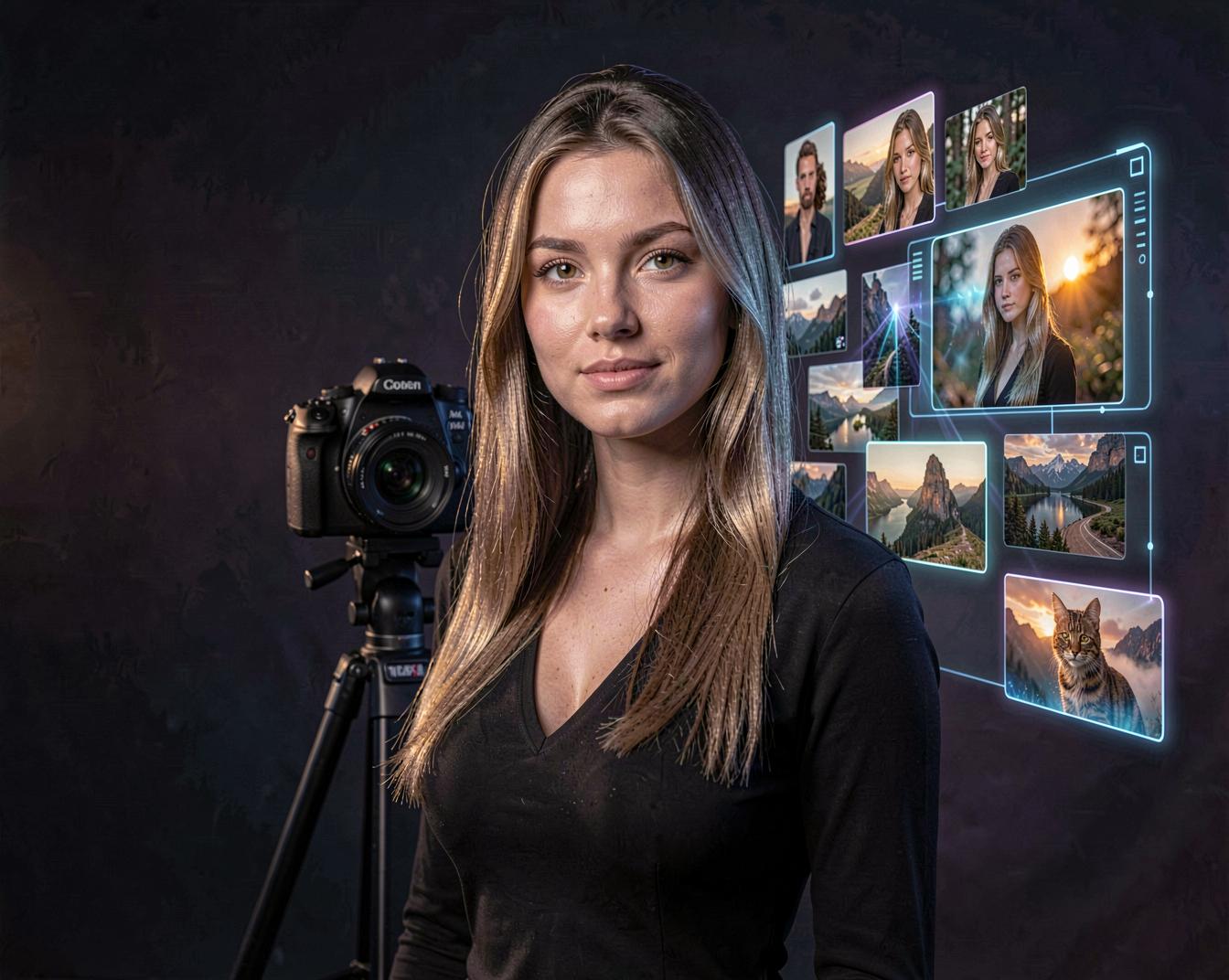
You can use it to create everything from realistic portraits and cinematic scenes to illustrations, concept art and stylized images.
Z-Image and Photorealism
One of the areas where Z-Image is particularly interesting is photorealistic image generation.
The model is designed to handle a broad range of visual styles, including realistic photography and cinematic imagery. The official project also highlights its ability to work with different identities, poses, compositions and layouts.
This makes it an interesting option for creators working on:
- Photorealistic portraits
- Fashion photography
- Characters
- Cinematic scenes
- Lifestyle photography
- Product concepts
- Social media imagery
- Digital artwork
- Fantasy and science-fiction scenes
As with any image model, the quality of the final result depends heavily on the prompt, workflow and model variant being used.
What Makes Z-Image Different?
One of the biggest advantages of Z-Image is the balance between capability and efficiency.
At around 6 billion parameters, the model family is considerably smaller than some of the very large image-generation systems available today. Yet the developers designed it to maintain strong image quality and prompt adherence.
This matters particularly for local AI.
A model that produces good results while fitting into a more modest GPU setup can be much more practical for creators who want to experiment at home.
The official documentation specifically states that Z-Image-Turbo can fit within 16 GB of VRAM on consumer devices, making it particularly interesting for local creators.
Z-Image-Turbo
One of the most recognizable members of the Z-Image family is Z-Image-Turbo.
Turbo is a distilled version designed for fast generation. The official project describes it as capable of producing high-quality images with only 8 function evaluations, while also emphasizing photorealism, English and Chinese text rendering and instruction following.
This makes Turbo particularly attractive when speed matters.
Instead of waiting through a large number of sampling steps for every experiment, you can generate images much more quickly and iterate through ideas.
That can make a surprisingly big difference when you’re experimenting with prompts.
Z-Image for More Than Just Speed
While Turbo gets much of the attention because of its speed, the regular Z-Image model has a different role.
The foundation model is intended for higher-quality generation, creative diversity, controllability and further development. It is also designed to be useful for fine-tuning and downstream experimentation.
This makes the foundation model particularly interesting for people who want to go beyond simply generating images.
For example, creators and developers can experiment with:
- Fine-tuning
- LoRA training
- Custom workflows
- Prompt experimentation
- Local inference
- Model modifications
- Creative research
In other words, Z-Image isn’t only interesting as a finished image generator. It can also be a foundation for building your own workflows.
Z-Image and Prompting
Z-Image is designed with strong instruction following in mind.
That means you can describe more than just the main subject of an image.
A prompt can contain information about:
Subject
A young woman with long dark blonde hair
Environment
Standing on a rooftop overlooking a modern city
Lighting
Warm sunset light with subtle rim lighting
Camera
85mm portrait photography, shallow depth of field
Visual style
Cinematic fashion photography, natural skin texture
Combining these elements gives the model a much clearer description of the image you want.
The official documentation also highlights broad stylistic coverage and prompt adherence, making Z-Image suitable for both realistic and highly stylized work.
Image Editing
The Z-Image family isn’t limited to generating images from scratch.
The ecosystem also includes models designed specifically for editing and image-to-image workflows.
Z-Image-Edit, for example, is designed for image editing and instruction-based transformations. This allows a creator to start with an existing image and describe the changes they want using natural language.
That opens up workflows such as:
Existing image → Z-Image → Prompted changes → New image
Instead of regenerating an entire image, you can use an existing image as the starting point.
This can be particularly useful for changing environments, modifying visual details or experimenting with different creative directions.
Z-Image and ComfyUI
For local AI creators, Z-Image becomes even more interesting when combined with ComfyUI.
ComfyUI allows you to build workflows around the model instead of simply pressing a generate button.
For example, a workflow could combine:
- Z-Image
- LoRAs
- Image references
- Image-to-image generation
- Editing
- Upscaling
- Detail enhancement
- Custom sampling workflows
This gives you much more control over the complete generation process.
It also makes Z-Image a useful model to experiment with if you’re already building local AI workflows.
Z-Image and LoRAs
Another interesting aspect of Z-Image is its potential for customization.
The foundation model is designed to support fine-tuning and downstream development, which makes it interesting for creators who want to build custom models or LoRAs.
A LoRA can be used to teach a model a particular visual concept, character or style.
For example, instead of generating a completely different character every time, you could train a LoRA around a recurring character and then use that character in different environments.
This is where image generation becomes much more useful for storytelling and consistent visual branding.
Running Z-Image Locally
One of the strongest arguments for Z-Image is its suitability for local AI.
The relatively compact 6B architecture and efficient variants make it more approachable than many larger models.
Z-Image-Turbo is specifically positioned as being able to run within 16 GB of VRAM on consumer hardware.
Of course, actual VRAM requirements depend on the exact model, precision, resolution and workflow.
Quantized versions and optimized implementations can also change the hardware requirements considerably.
For anyone experimenting with local AI, this makes Z-Image worth testing rather than assuming that high-quality image generation automatically requires a huge GPU.
What Can You Create With Z-Image?
The possibilities are broad.
You can use Z-Image for:
People and portraits
Create realistic characters, fashion photography and lifestyle scenes.
Cinematic images
Build dramatic scenes with controlled lighting, environments and compositions.
Creative artwork
Experiment with illustration, fantasy, science-fiction and other visual styles.
Social media
Generate images for posts, campaigns and creative projects.
Characters
Develop recurring characters and experiment with different locations, outfits and situations.
Image editing
Transform existing images using natural-language instructions.
AI workflows
Combine Z-Image with other models and tools to create larger creative pipelines.
Z-Image vs. Other Image Models
It is tempting to ask which AI image model is the best.
In reality, that question doesn’t have a permanent answer.
FLUX, Z-Image and other image-generation families all have different strengths.
FLUX is particularly interesting for detailed image generation and complex creative workflows.
Z-Image stands out for its combination of image quality, efficiency, prompt adherence and local usability.
And because new models and variants continue to appear, the balance can change quickly.
For creators, the better question is:
Which model works best for the image I want to create?
That is why experimenting with several models is often more useful than choosing a single permanent favorite.
The Interesting Part: Efficiency
For me, one of the most interesting things about Z-Image is not simply the image quality.
It is the idea of getting a powerful image-generation model into a package that is practical for local creators.
The combination of a 6B architecture, fast Turbo generation and support for different creative workflows makes Z-Image particularly interesting for people who don’t have access to massive GPU hardware.
That matters because local AI becomes much more accessible when models become more efficient.
And when generation becomes faster and cheaper to run, experimentation becomes easier.
You can try more prompts.
Generate more variations.
Train more LoRAs.
Build more workflows.
And ultimately create more.
The Limitations
Z-Image isn’t perfect.
Like other generative image models, it can still produce unexpected details, especially with complicated scenes or unusual instructions.
The different model variants also have different purposes, so choosing the right version is important.
And although the Turbo variant is designed to be efficient, running local AI still depends on your GPU, VRAM, system memory and chosen workflow.
For advanced workflows, hardware requirements can increase quickly.
That is why it’s worth testing the model with your own hardware rather than relying only on theoretical specifications.
Final Thoughts
Z-Image is an interesting addition to the rapidly growing world of open and locally usable AI image models.
Its combination of image quality, efficiency, prompt adherence and customization potential makes it worth paying attention to.
For someone who simply wants to generate an image quickly, Z-Image-Turbo can be particularly attractive.
For creators who want more control, the broader Z-Image ecosystem offers possibilities around fine-tuning, LoRAs, editing and custom workflows.
And that’s ultimately what makes Z-Image interesting.
It’s not just about generating another pretty AI image.
It’s about having a model that you can experiment with, customize and integrate into your own creative workflow.
As new Z-Image variants and tools appear, we’ll cover those separately in AI News, while this page will remain focused on Z-Image as a model family.
The technology will keep changing.
The fun part is finding out what you can create with it.