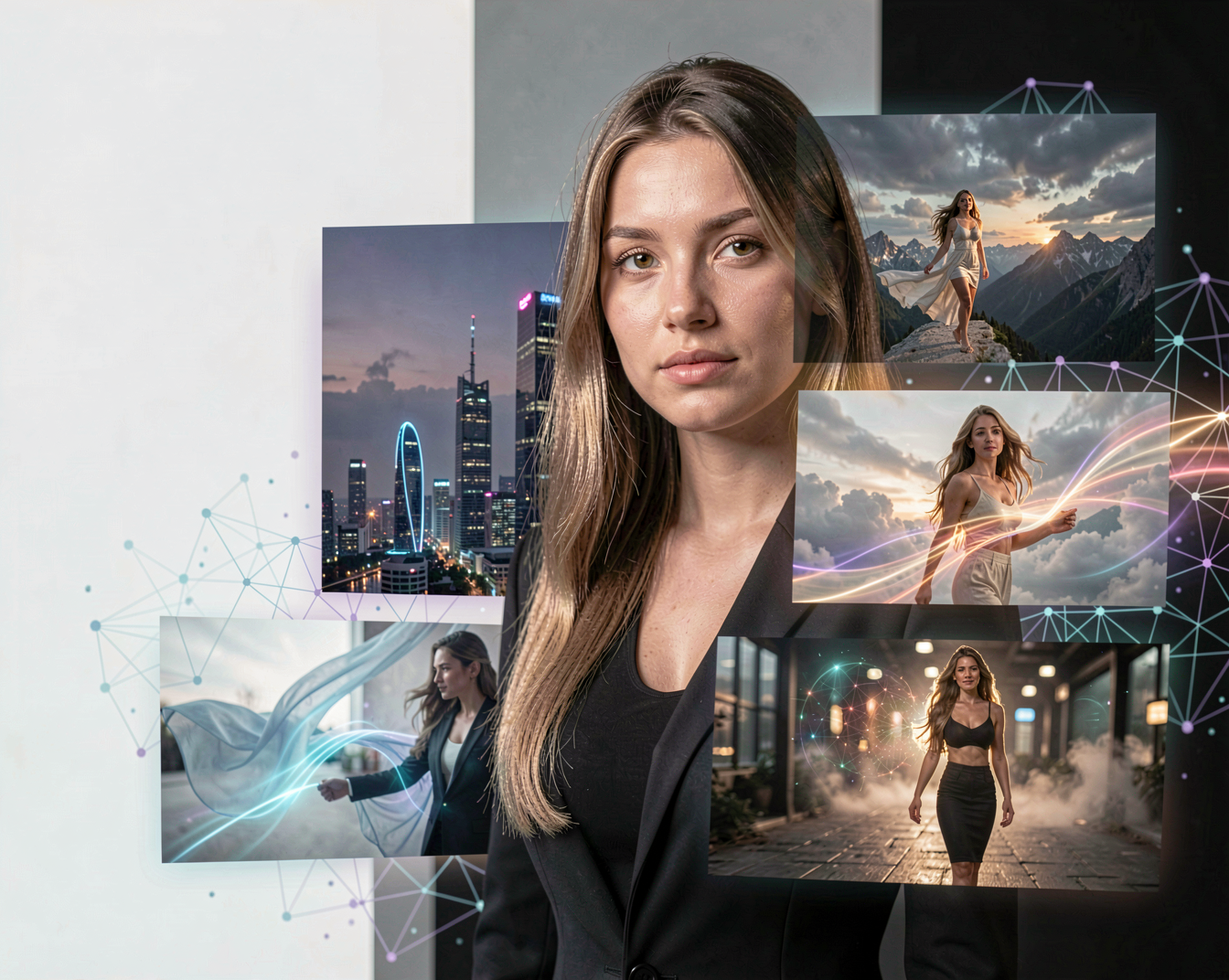
AI video generation has changed incredibly quickly. Models that once produced short, unstable clips can now create scenes with convincing movement, camera motion and increasingly consistent characters.
One of the names that has become particularly interesting in the open AI community is Hunyuan.
Developed by Tencent, Hunyuan has grown into a broader family of generative AI models, with HunyuanVideo becoming one of its most important projects for AI video generation.
For creators interested in local AI, ComfyUI and open models, Hunyuan is a model family worth knowing.
What Is Hunyuan?
Hunyuan is Tencent’s family of generative AI models.
The ecosystem includes different projects covering areas such as video generation, 3D generation and other forms of generative AI. One of the best-known projects is HunyuanVideo, an open-source video generation model.
The original HunyuanVideo was released with more than 13 billion parameters and was designed as a large video foundation model capable of generating videos from text. Tencent also released an image-to-video version and supporting tools for the open-source community.
This makes Hunyuan particularly interesting for people who want to experiment with advanced AI video generation outside of closed online services.
What Can Hunyuan Create?
The most obvious use for HunyuanVideo is turning an idea into a moving scene.
With text-to-video, you can describe a scene and let the model generate the video.
For example:
A woman walking through a futuristic city at night, rain falling around her, reflections of neon lights on the wet pavement, cinematic camera movement.
Instead of generating a single image, the model attempts to turn the description into a sequence of frames with movement.
This opens the door to many creative applications:
- Cinematic video clips
- Character animation
- Fashion videos
- Fantasy scenes
- Sci-fi environments
- Product concepts
- Short social-media videos
- Camera movement experiments
- Storytelling
- Image-to-video animation
Text-to-Video
Text-to-video is one of HunyuanVideo’s core capabilities.
You describe what should happen, and the model generates the video.
This is particularly interesting for creators because the prompt can describe more than just the subject.
You can describe:
- The environment
- Character movement
- Camera movement
- Lighting
- Atmosphere
- Time of day
- Cinematic style
- Actions
- Composition
The official HunyuanVideo project specifically focuses on visual quality, motion diversity, text-video alignment and generation stability.
That makes detailed prompting an important part of working with the model.
Image-to-Video
Hunyuan isn’t limited to starting with text.
Image-to-video allows you to provide a still image and ask the model to turn it into a moving scene.
This can be especially useful for AI creators.
Imagine generating a perfect character portrait first and then using Hunyuan to animate it.
You can then experiment with prompts describing things such as:
The woman slowly turns toward the camera while her hair moves naturally in the wind. The camera gently moves closer.
The original HunyuanVideo-I2V project also includes support for LoRA training for customizable effects, giving creators another way to experiment with video generation.
Hunyuan and ComfyUI
For local AI users, this is one of the most important aspects of Hunyuan.
HunyuanVideo has support for ComfyUI, making it possible to build custom workflows rather than relying on a single interface. Tencent’s open-source release includes ComfyUI support, and the ecosystem has also developed community implementations and wrappers.
That means you can combine Hunyuan with the kind of workflow-based experimentation that makes ComfyUI so powerful.
You can build workflows around:
- Text-to-video
- Image-to-video
- LoRAs
- Different precision formats
- Memory optimization
- Prompt enhancement
- Video upscaling
- Custom sampling workflows
For people already working with ComfyUI, Hunyuan is therefore much more interesting than simply being another online video generator.
HunyuanVideo 1.5
One of the biggest developments in the Hunyuan ecosystem is HunyuanVideo 1.5.
The original HunyuanVideo was a very large model. HunyuanVideo 1.5 takes a different approach.
It contains approximately 8.3 billion parameters, significantly reducing the size compared with the original 13B+ model. Tencent describes it as a lightweight video generation model designed to make high-quality generation more accessible on consumer hardware.
HunyuanVideo 1.5 supports both text-to-video and image-to-video generation and comes in models targeting different resolutions, including 480p and 720p.
For local AI enthusiasts, that reduction in model size is particularly important.
A powerful video model is much more interesting when it can actually be run by individual creators.
Why Hunyuan Is Interesting for Local AI
There is a major difference between experimenting with an online AI service and running a model locally.
With a local Hunyuan workflow, you can control much more of the process.
You can experiment with:
Prompts
Change the description and see exactly how the model reacts.
Workflows
Build your own ComfyUI pipeline.
LoRAs
Customize effects and, depending on the model, train specialized behaviour.
Quantization
Use lower-precision versions to reduce hardware requirements.
Resolution
Choose between faster generations and higher-quality output.
This is particularly attractive to creators who enjoy experimenting rather than simply pressing a Generate button.
Hunyuan and Prompting
Video prompts are different from image prompts.
With an image, you mainly describe what the final frame should look like.
With video, you also need to describe what happens.
For example:
A young woman stands on a quiet beach at sunset. She slowly turns toward the camera while her long hair moves gently in the ocean breeze. The camera performs a slow cinematic push-in. Warm sunlight creates soft highlights around her hair. Natural movement, realistic physics, cinematic photography.
The prompt describes both the scene and the movement.
This is one reason Hunyuan’s prompt handling is important.
The original HunyuanVideo architecture even included a dedicated prompt-rewriting system designed to transform user prompts into descriptions better suited to the video model. The official documentation provides separate modes for improving general understanding and for emphasizing elements such as composition, lighting and camera movement.
How Much Hardware Do You Need?
This is where things become complicated.
The hardware requirements depend heavily on the particular Hunyuan version, precision, resolution and workflow.
The original HunyuanVideo is a very large model, while HunyuanVideo 1.5 was specifically designed to lower the hardware barrier.
Tencent also released FP8 versions of the original HunyuanVideo to reduce GPU memory requirements.
For local users, this means that the question isn’t simply:
“Can my GPU run Hunyuan?”
It is more useful to ask:
“Which Hunyuan model, resolution and quantization can my GPU run comfortably?”
That distinction becomes increasingly important as the Hunyuan ecosystem continues to expand.
Hunyuan for Creators
Hunyuan is not only interesting for people who want to experiment with AI technology.
It can also become part of a real creative workflow.
For example:
Step 1 — Create an image
Generate a character or environment with an image model.
Step 2 — Animate it
Use Hunyuan image-to-video to add movement.
Step 3 — Experiment
Try different camera movements, actions and environments.
Step 4 — Edit
Combine the generated clips into a larger video.
This means Hunyuan can become one component in a much larger AI filmmaking workflow.
You don’t necessarily need one model to do everything.
Hunyuan vs Other AI Video Models
There are now many AI video models competing for attention.
Wan, Hunyuan, LTX, MiniMax and other models all approach video generation differently.
Some focus heavily on speed.
Others prioritize quality.
Some are easier to run locally.
Others are primarily cloud-based.
Hunyuan’s biggest attraction is the combination of high-quality video generation, open-source availability and local experimentation.
That makes it particularly relevant to the open AI community.
Is Hunyuan Worth Trying?
If you are interested in AI video generation, absolutely.
Hunyuan is especially interesting if you already use ComfyUI or enjoy running AI models locally.
The original HunyuanVideo demonstrated what a very large open video model could achieve. HunyuanVideo 1.5 shows another important direction: making powerful video generation more practical for consumer hardware.
And that is perhaps the most exciting part.
AI video generation is moving from something that required expensive infrastructure toward something that individual creators can increasingly experiment with on their own computers.
The Future of Hunyuan
Hunyuan is becoming more than a single AI video model.
As Tencent continues developing the ecosystem, different Hunyuan projects can serve different creative purposes.
For creators, that means more possibilities:
Images.
Videos.
3D content.
Animation.
Creative experimentation.
And with open-source releases and community support, Hunyuan can continue evolving far beyond what the original developers initially intended.
For anyone exploring local creative AI, Hunyuan is therefore a model family worth watching.
Specific Hunyuan releases and major updates will be covered separately in the AI News section of Aiden Illusion.