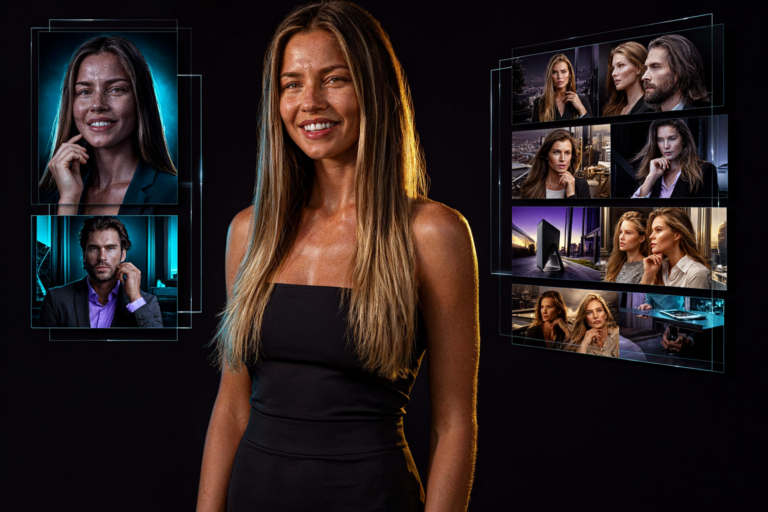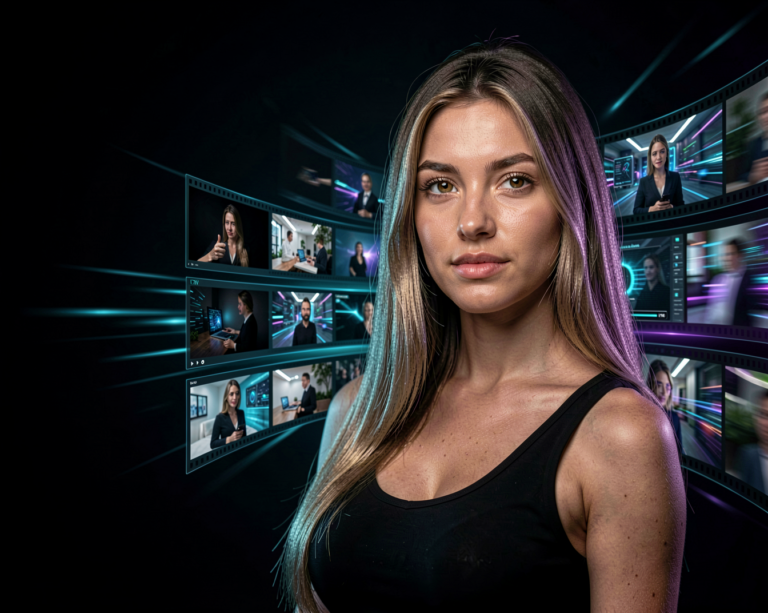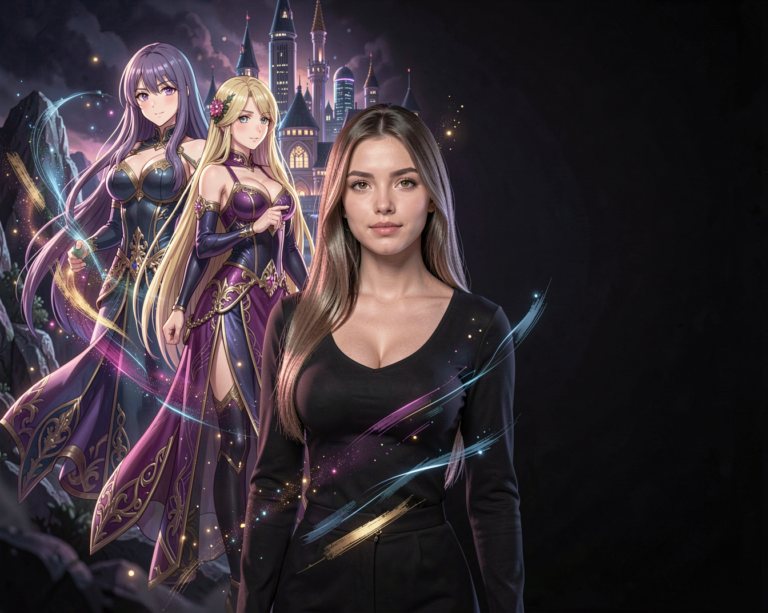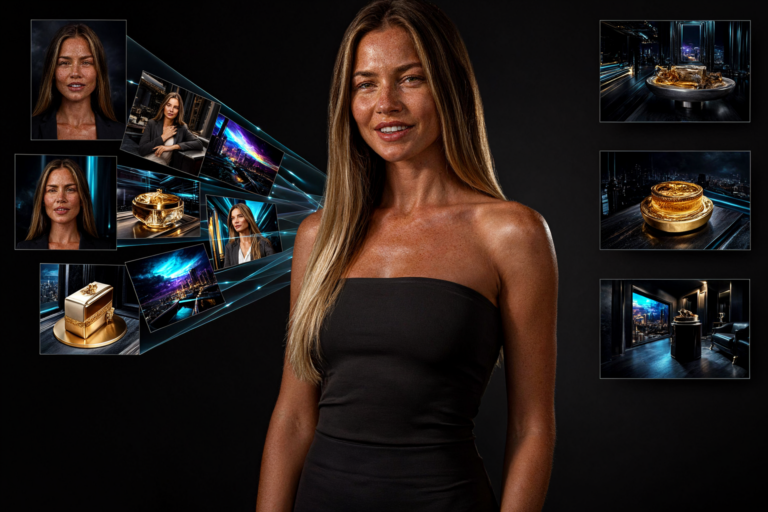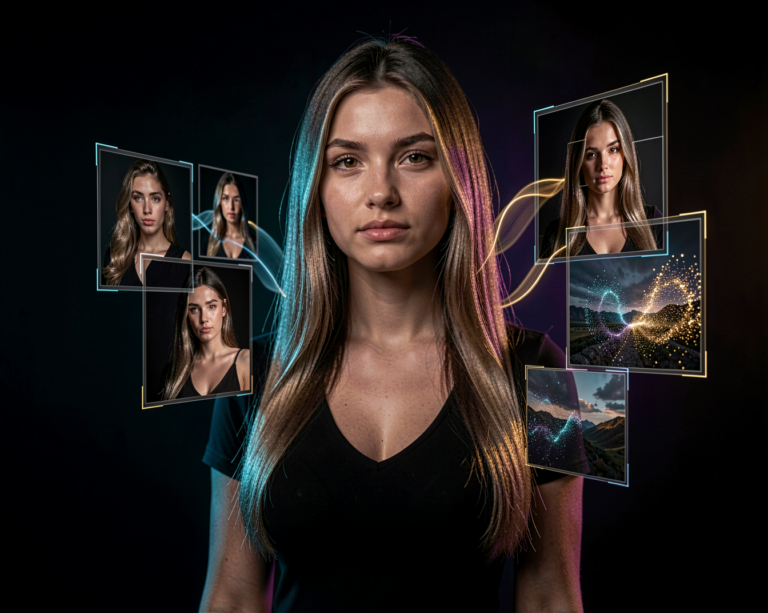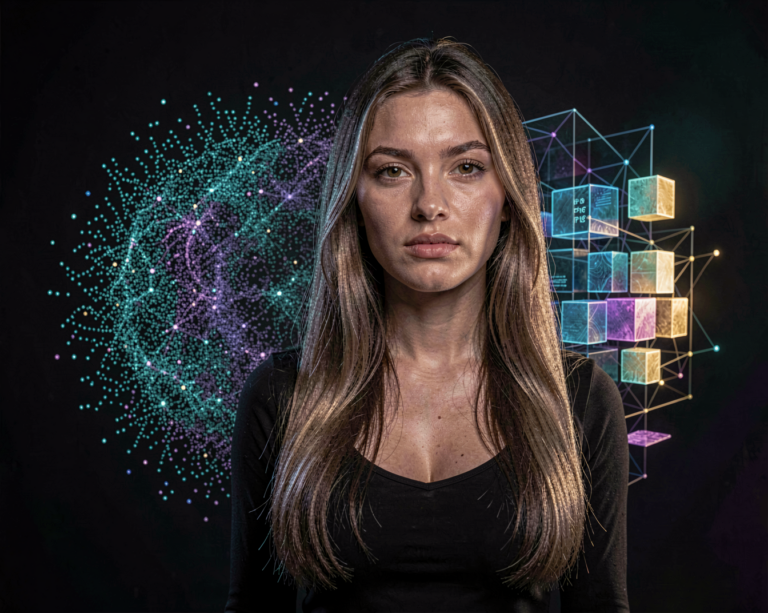
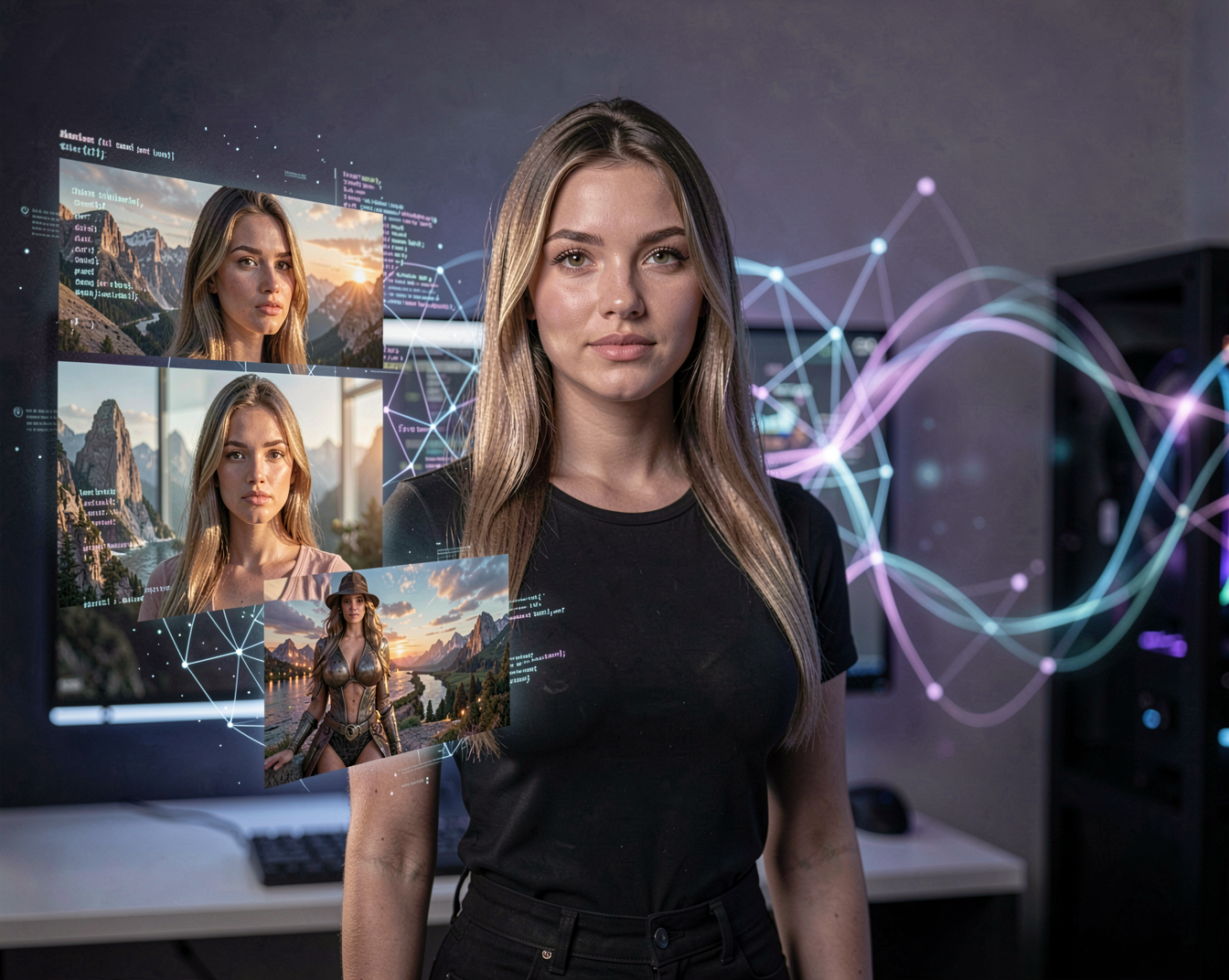
If you spend time exploring local AI image generation, you have probably come across Chroma. It is an open-source image generation model built around ideas from the FLUX architecture, but developed as an independent community project.
What makes Chroma interesting is not simply the images it can create. It is the combination of open development, local generation, flexibility and the freedom to experiment with the model yourself.
For creators who like working with ComfyUI and testing different models locally, Chroma is definitely one to keep an eye on.
What Is Chroma?
Chroma is a text-to-image generation model developed by the LodestoneRock community project. The original Chroma model is based on FLUX.1-schnell and is designed as an open alternative for creators who want more freedom to experiment with an image-generation model. The original model is around 8.9 billion parameters.
Rather than being a closed online image generator, Chroma is designed to be downloaded and run locally.
That makes it particularly interesting for people who already use tools such as ComfyUI.
What Can You Create With Chroma?
At its core, Chroma turns text prompts into images.
But that simple description doesn’t really show what makes the model interesting.
You can use Chroma for:
- Photorealistic portraits
- Fashion photography
- Characters
- Cinematic scenes
- Landscapes
- Fantasy artwork
- Concept art
- Product-style photography
- Anime and stylized artwork
- Experimental and artistic images
Because the model is available for local use, creators can also experiment with different workflows, model variants, LoRAs and other techniques.
The result is less of a simple “type a prompt and get an image” experience and more of a creative playground.
Chroma and Photorealism
One area where Chroma can be particularly interesting is photography.
The model can produce detailed people, environments, lighting and photographic compositions. Community testing has also highlighted its ability to produce natural-looking skin tones and a wide variety of faces.
That makes it worth testing for creators who want something that looks closer to a photograph rather than an obviously AI-generated illustration.
For example, a prompt describing a DSLR photograph, a particular lens, lighting conditions and a realistic environment can be used to push the model toward a photographic result.
Chroma and ComfyUI
This is where Chroma becomes especially interesting for local AI users.
Chroma has native support in ComfyUI, and the basic workflow is similar in concept to working with FLUX. ComfyUI’s documentation provides a dedicated Chroma workflow and explains that the model uses the T5XXL text encoder.
This means creators already comfortable with ComfyUI don’t have to learn an entirely different ecosystem.
You can build workflows around Chroma and experiment with:
- Different samplers
- Steps and guidance settings
- LoRAs
- Different resolutions
- Prompt styles
- Image-to-image workflows
- Custom model variants
That flexibility is one of the biggest advantages of running Chroma locally.
Chroma Is More Than One Model
Another thing worth understanding is that “Chroma” doesn’t necessarily refer to one single checkpoint.
The project has gone through multiple versions and variants. Current model documentation includes versions such as Chroma1-Base and Chroma1-HD, while the original repository contains earlier development checkpoints.
Chroma1-HD is particularly interesting because it is presented as a high-resolution version of the model.
This is why it is useful to think of Chroma as a model family rather than simply one .safetensors file.
Why Is Chroma Interesting for Local AI?
For local AI enthusiasts, the biggest attraction is control.
Instead of sending your prompts and images to an online service, you can download the model and run the generation yourself.
That gives creators more control over:
Privacy
Your prompts and generated images can stay on your own computer.
Experimentation
You can change workflows, settings and models without depending on an online interface.
Customization
Local workflows make it easier to combine Chroma with LoRAs and other tools.
Creative freedom
The open-source nature of the project gives the community much more room to experiment.
The original Chroma project is released under the Apache 2.0 license.
What Hardware Do You Need?
The answer depends heavily on which Chroma checkpoint and precision you use.
As with FLUX-based models, memory requirements can become significant, particularly at higher resolutions.
For local users, quantized versions can make the model considerably more accessible to consumer GPUs. There are also community GGUF versions and other optimized variants available.
For someone already running a modern local AI setup, Chroma is therefore worth testing rather than assuming it is too large.
And as always with local AI, VRAM is only part of the equation. Resolution, precision, model variant, text encoder and workflow settings can all affect memory usage.
How Should You Prompt Chroma?
Chroma responds well to detailed descriptions of the image you want to create.
For realistic photography, describe things such as:
- Subject
- Location
- Clothing
- Lighting
- Camera style
- Lens
- Composition
- Depth of field
- Atmosphere
- Photographic style
For example, instead of simply writing:
woman in a city
you could describe the scene much more precisely:
A young woman standing on a rainy city street at night, wearing an elegant black coat, reflections from neon signs on the wet pavement, soft cinematic lighting, natural skin texture, shallow depth of field, realistic photography, DSLR, photo realistic.
The more specific your creative direction becomes, the more control you have over the final image.
Is Chroma Worth Trying?
If you are already interested in local AI image generation, I would say yes.
Chroma is particularly interesting for creators who enjoy experimenting with open models rather than relying exclusively on commercial image-generation platforms.
It also fits naturally into a ComfyUI-based workflow, which makes it easy to compare against other models such as FLUX and Z-Image.
The most interesting part may not even be the first image you generate.
It is what happens when you start experimenting with different checkpoints, LoRAs, prompts and workflows.
That is where local AI becomes much more than an image generator.
Chroma and the Future of Open AI Image Generation
Projects such as Chroma show how quickly the open-source image-generation community is evolving.
Instead of waiting for a company to decide which features creators should have, open projects allow users to experiment directly with the technology.
For creators, that means more models, more workflows and more possibilities.
And that is exactly why Chroma deserves a place on the growing list of AI image models worth experimenting with.
What Version Should You Try?
Chroma is an evolving project, so specific checkpoints and variants can change over time.
For the latest versions, downloads and community developments, check the current Chroma releases before starting a new workflow.
Version-specific Chroma releases and major updates will be covered separately in the AI News section of Aiden Illusion.